
Artificial intelligence is no longer just a storyline in sci-fi movies. It’s actively transforming the way we can build, fix, and grow WordPress websites. Spaceship’s team was live at WordCamp US this year, witnessing a variety of sessions that revealed how accessible and powerful AI for WordPress has already become.
Here are the essential takeaways, tips, and tools to help you use WordPress AI features starting today.
Why WordPress AI matters today
Whether you are a WordPress site owner, developer, or simply curious about what’s next for online presence, AI-driven tools offer practical ways to work smarter. Long lists of tiny tasks can be executed in just a few clicks. More complicated code-related tasks that used to take weeks can now be accomplished in a matter of minutes.
A certain level of knowledge and skill is still required to use these tools correctly, but armed with that knowledge, we can work more efficiently than ever before. It’s pretty incredible.
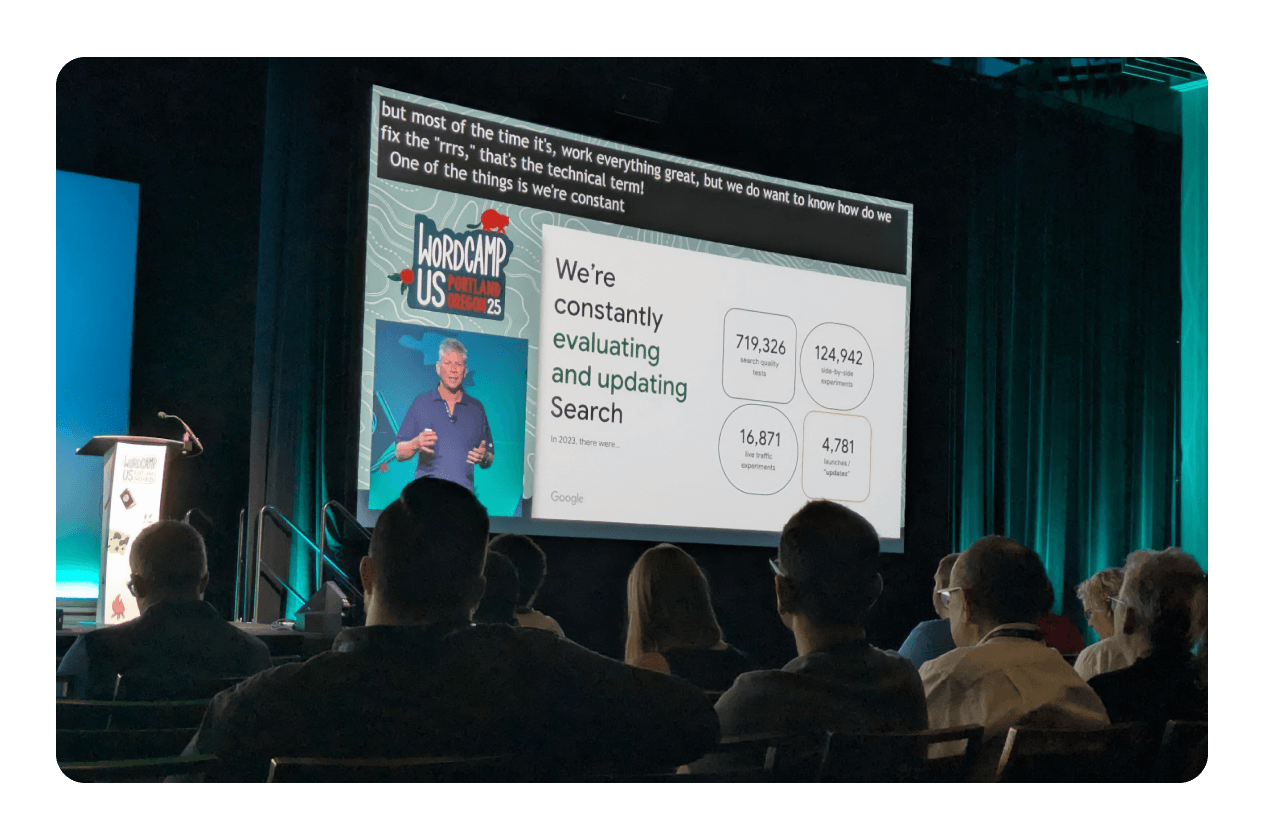
From plugin creation to site optimization, our team saw real examples from WordCamp US that prove the WordPress community is already on board the AI train, and it’s arriving faster than ever.
AI makes plugin development fast (and smart)
Forget hours staring at blank screens—WordCamp presenter Maulik Vora showed how AI coding assistants like Cursor and ChatGPT now let anyone generate, update, and document plugins in no time. During his presentation, he created an Admin Alert Manager plugin from scratch in just 30 minutes, including security checks and best practices, all with AI in the driver’s seat.
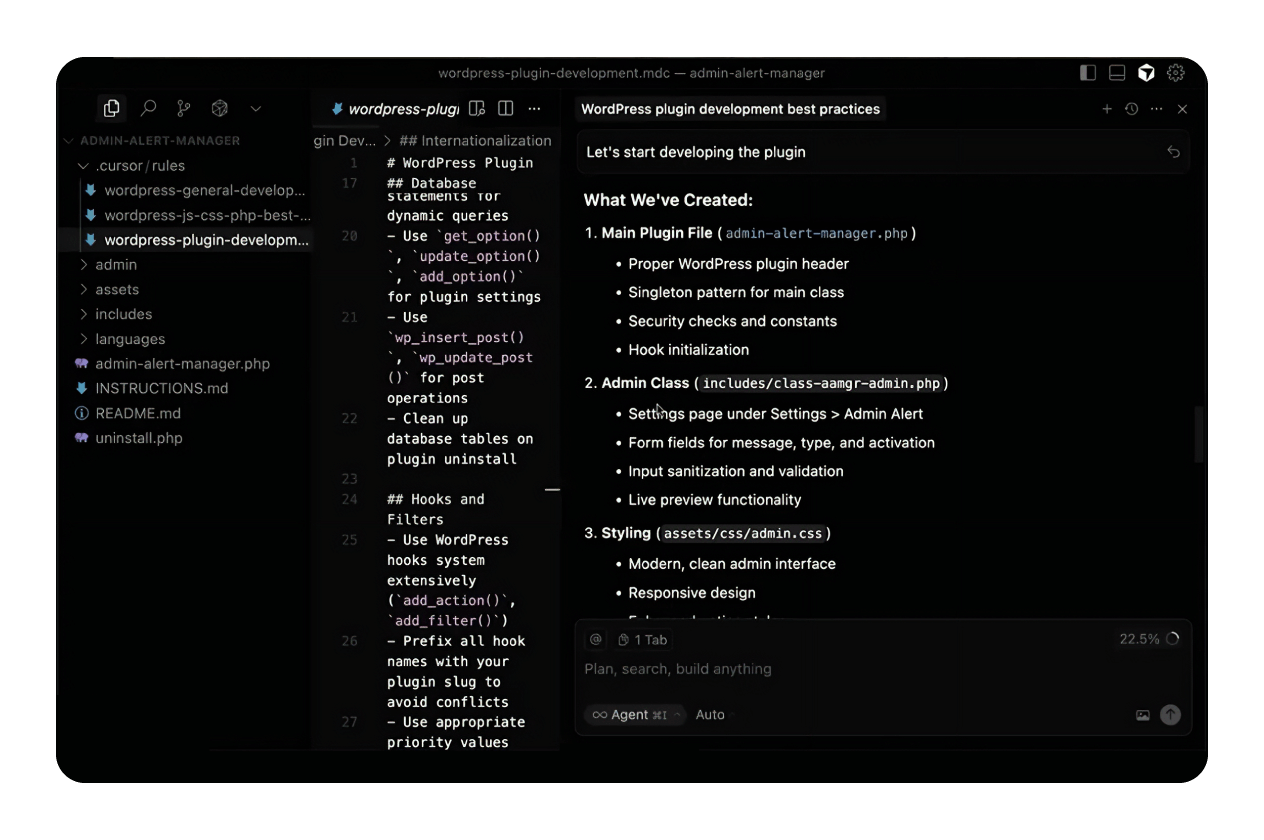
Here are a few of the key benefits of using AI for WordPress plugins that Maulik pointed out in his presentation:
Automate boilerplate code and documentation, saving hours each project
Keep code compliant with WordPress standards and security best practices
Rapidly add new features by prompting AI assistants — no heavy coding required
Document and audit plugins easily for future updates or hand-offs
As Maulik made clear, there’s no need to be an AI expert. With the right prompts and a step-by-step approach, AI-powered plugins are now within anyone’s reach. You can watch his entire presentation, Zero to Plugin in 30 Minutes, on YouTube.
Many popular plugins that boost functionality on your website are already harnessing AI technology behind the scenes, in ways you might not even notice. From smarter spam filters to content suggestions and security features, AI quietly powers much of what makes today’s WordPress experience seamless and efficient.
AI tools can fix and optimize your website automatically
It’s crucial to remember that AI isn’t just for coders and the super-techy folks. Arnas Donauskas demonstrated how modern AI can spot, fix, and optimize problems across your WordPress site, from error detection and security gaps to performance bottlenecks and content tweaks.
Here are just a few of the ways Arnas and his team have used AI to evaluate and fix WordPress errors:
AI-powered audits can auto-detect errors and vulnerabilities before they hurt traffic
Site speed and accessibility checks get faster and more thorough with machine learning tools
Security and content recommendations are delivered in real time
Arnas stressed in his presentation that, while AI automates complex fixes, human oversight is still essential. When trying these scenarios on your own, double-check suggestions before site-wide changes to keep your website safe and running smoothly. Watch the full video of his Fixing and Optimizing websites with AI presentation to learn more about the lessons he’s learned.
The future of WordPress core: building with AI

One of WordCamp’s most notable presentations, led by three members of the WordPress Core AI team, unveiled how AI is being integrated directly into the WordPress platform. This task force was recently formed in response to the growing need for unity within the WordPress AI ecosystem.
The panel noted that AI technology evolves rapidly, and their goal is to prevent a fragmented landscape and centralize how users can utilize different LLMs. Some exciting recent developments include:
Launching a PHP AI API SDK for easy, multi-provider AI integration
Introducing the Abilities API roadmap, coming in WordPress 6.9, to standardize AI-driven features and plugin compatibility
Enabling seamless connections with external AI services using the new mCP adapter
Rolling out the AI Experiments plugin for rapid prototyping and testing of new features
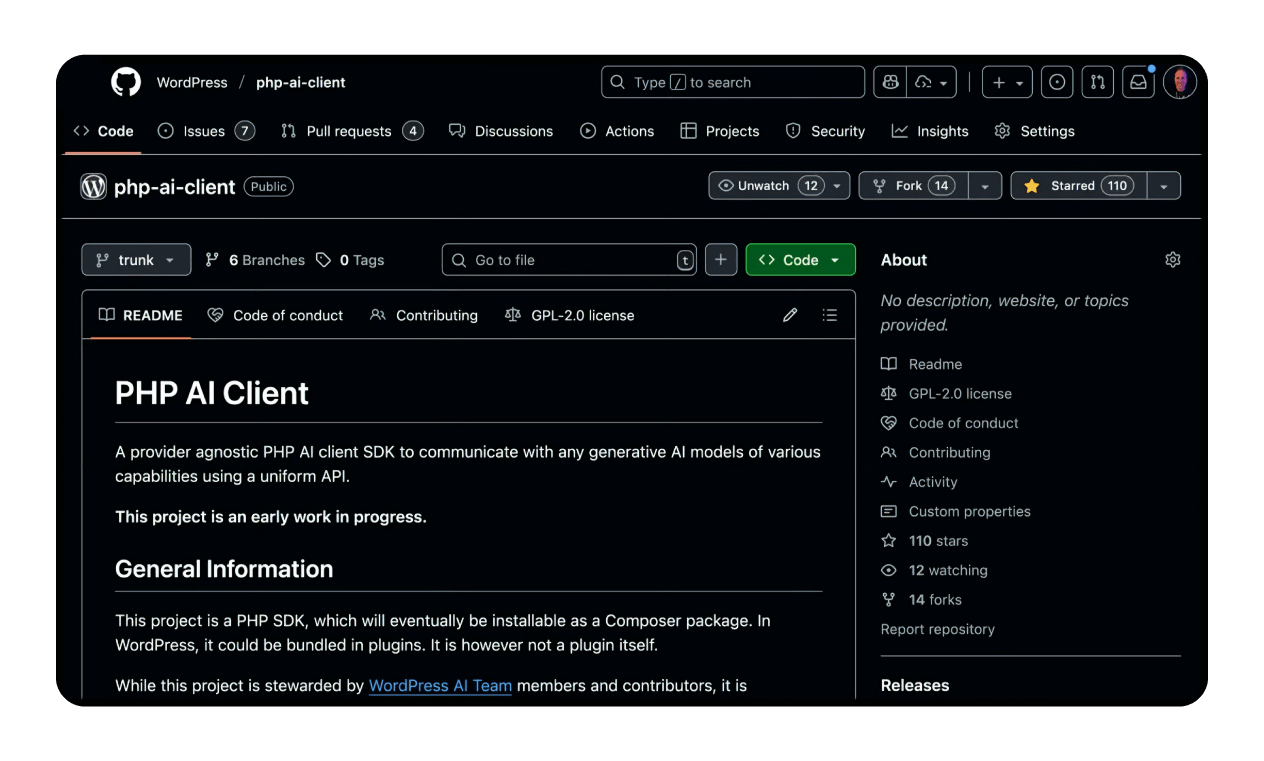
By building standardized AI tools into the WordPress core, the platform will be easier to extend and automate — for developers and end users alike. While some of it is pretty advanced, it’s worth streaming the full Core AI: What We’re Building video to get a basic understanding of where this technology is headed.
Tools, tips, and how to try AI for WordPress today
Ready to experiment? Try these steps:
Test free and popular AI-powered plugins by simply installing them from the plugin repository and giving them a try.
Subscribe to a newsletter that focuses on emerging AI technologies and how to use them, such as Mindstream and The Neuron.
Explore how AI can power your overall business strategy.
If you haven’t started your site just yet, check out Spaceship’s Alf AI Assistant for help finding the right tools to get going.
WordPress is ready for AI. Are you?

AI isn’t just changing WordPress — it’s making building, fixing, and optimizing sites dramatically easier for everyone. With Spaceship’s team actively participating at WordCamp US, we are at the forefront of this intelligent revolution. Explore these new tools now and future-proof your site with WordPress AI features that truly work.
Frequently asked questions
Every automation can introduce unintended issues. Test AI-generated changes in a staging environment before going live, and keep backups handy.
Yes, many AI tools check and enhance accessibility features automatically — but human review is key to ensure compliance and user experience.
Use performance plugins or built-in WordPress analytics to track speed, error rates, and uptime before and after enabling AI functions.

Suggested articles




Share your thoughts