Como configurar o OpenСlaw via Web UI
Atualizado em
Para configurar o OpenClaw via Web UI, acesse https://<your vm ip>://18789
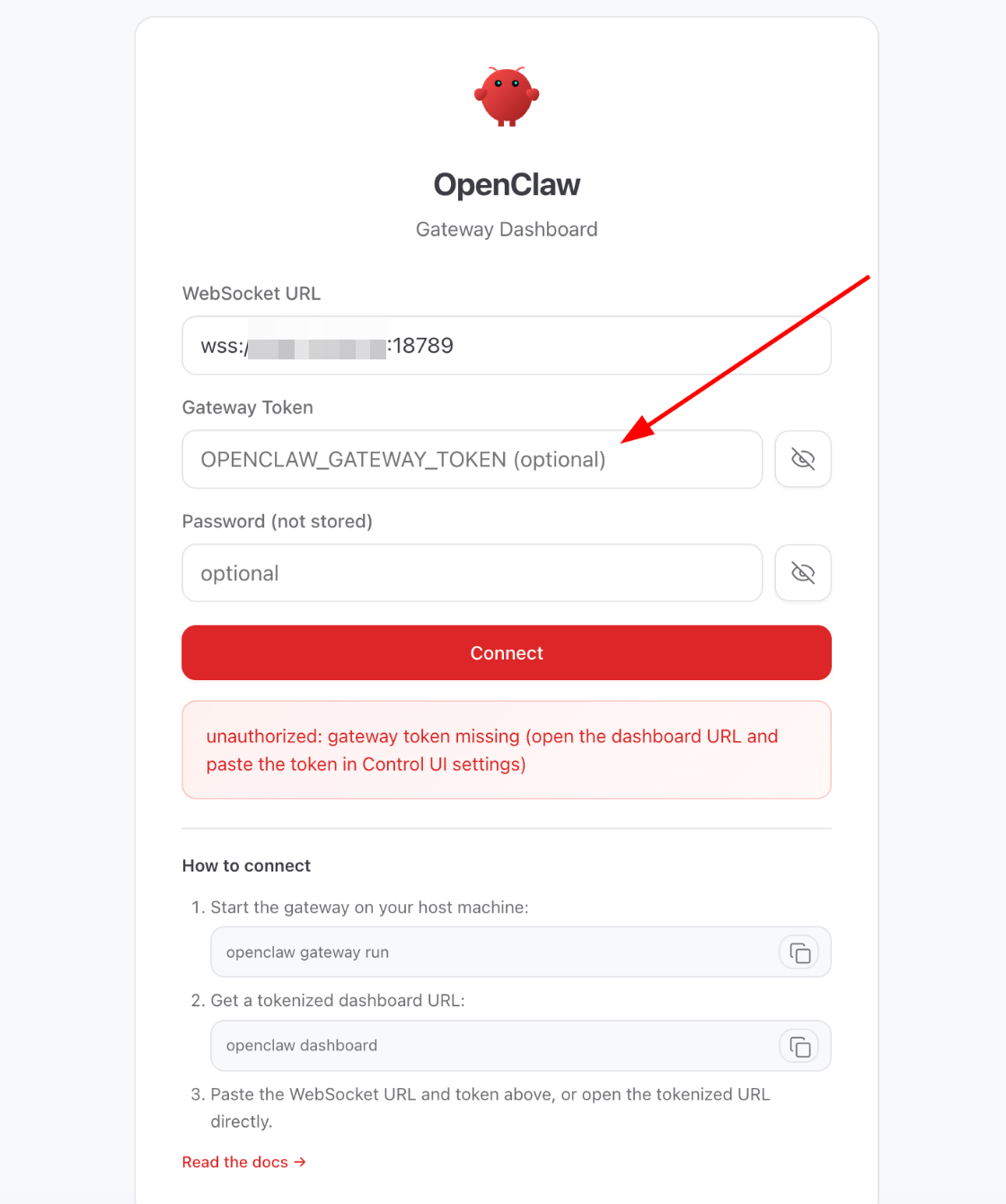
Se você perdeu seu token de autorização, pode recuperá-lo diretamente da VM seguindo as etapas abaixo:
Faça login na VM via SSH ou usando a linha de comando da VM.
Execute os seguintes comandos:
docker exec -it openclaw-openclaw-gateway-1 /bin/bashpython3 -c "import json,sys; print(json.load(sys.stdin)['gateway']['auth']['token'])" < ~/.openclaw/openclaw.json
Seu token de autorização será exibido na saída: “a7f2e9d4c1b8a3f6e0d5c2b9a4f7e1d8c3b6a0f9e2d7c4b1a8f3e6d0c5b2a9f4e1”
Copie esta string e cole-a na Web UI do Openclaw > no campo Gateway Token e clique em Connect.