Creating a website in Alf Website Builder
To start building your website, log in to your Spaceship account and click on the "Ask Alf" button to initiate a chat session:
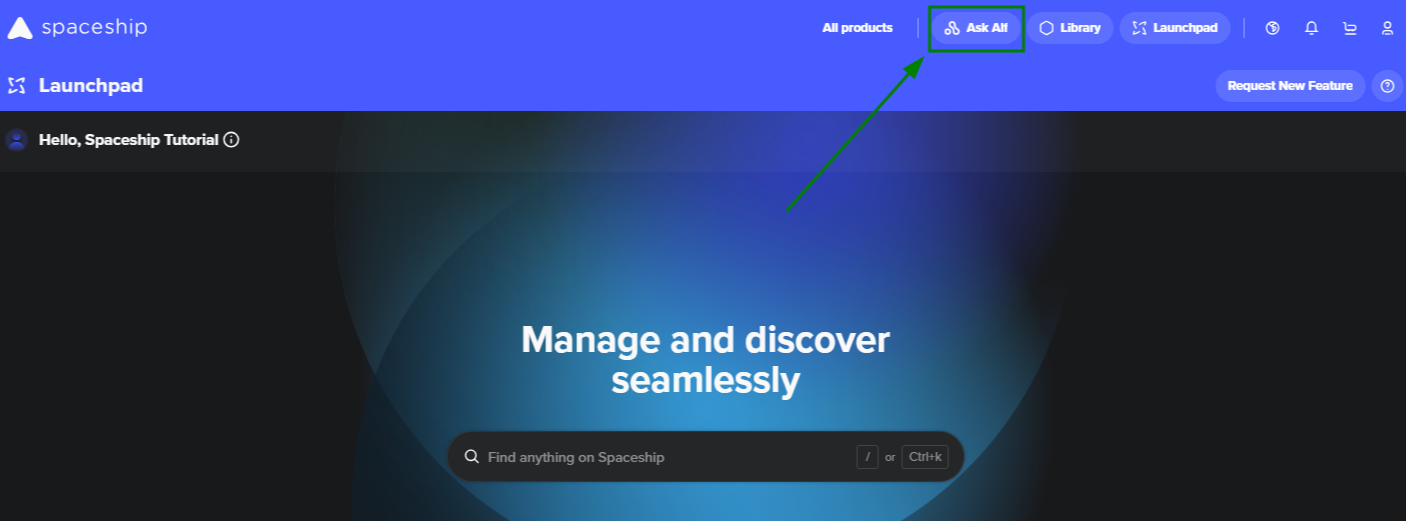
Alternatively, it's possible to use the Alf Website Studio application:
If you have not created any websites yet, you can click either on “Create website” or “+New Website”:
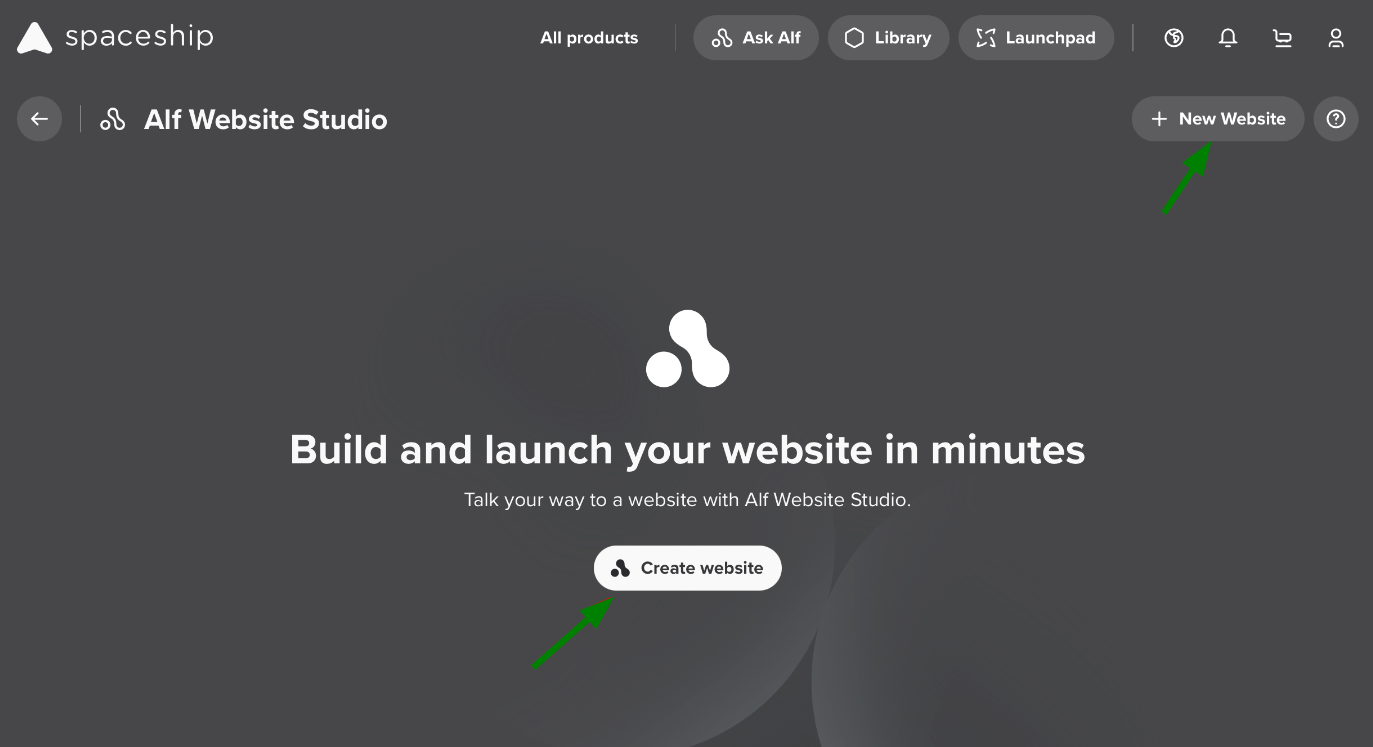
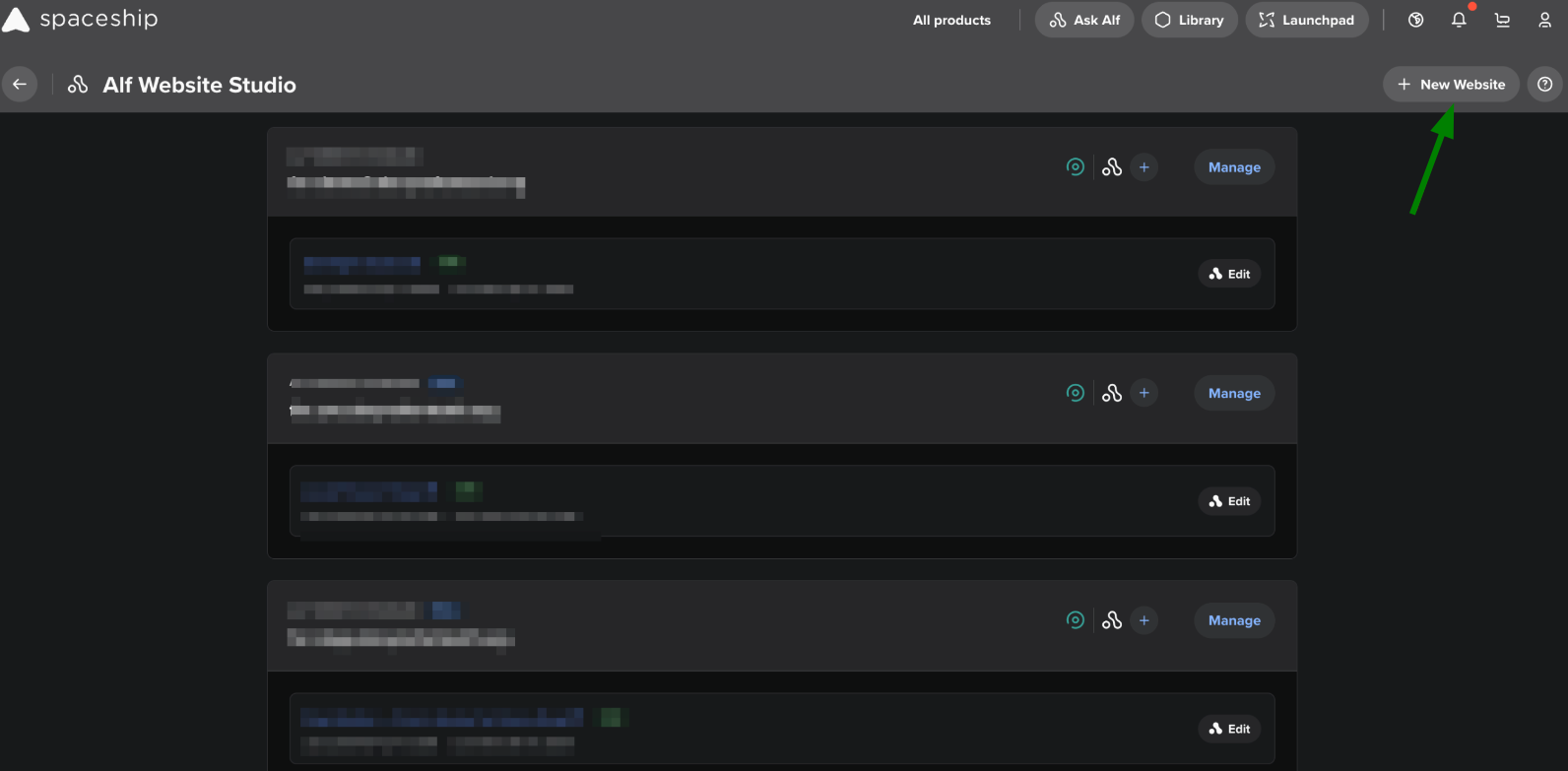
If websites have already been generated or the Alf Website product has been unboxed from the Library, you will be able to click the “+New Website” button in the header:
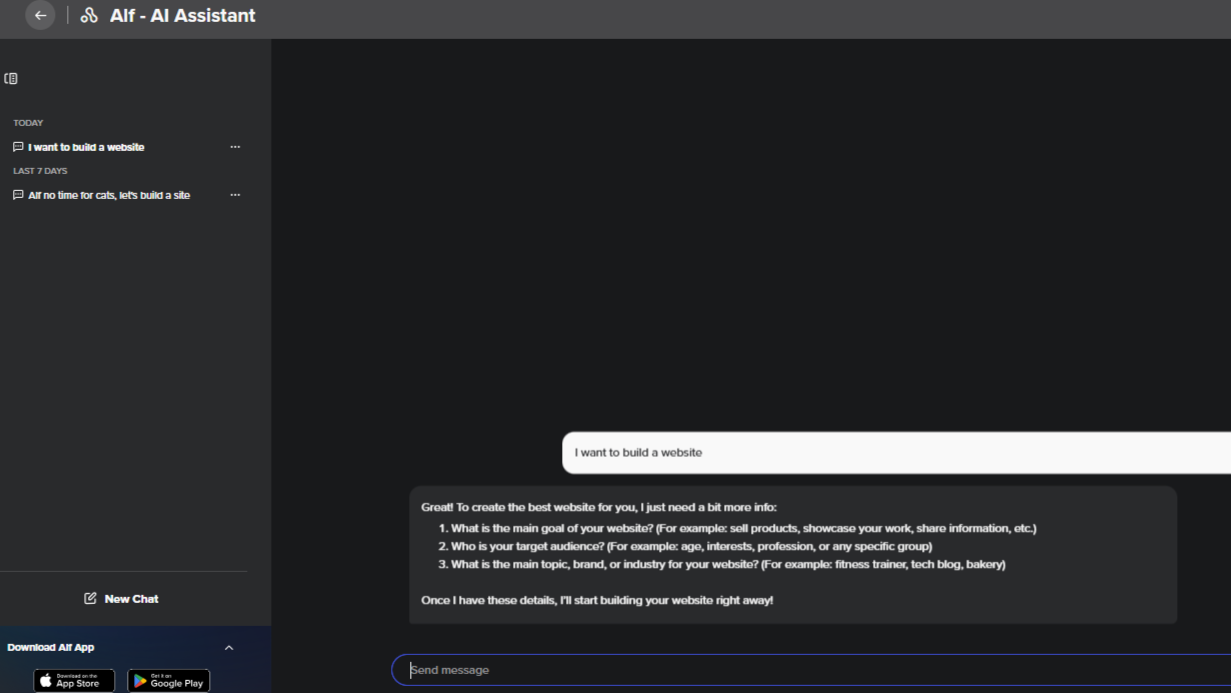
To trigger the Website Builder mode, directly ask Alf about website creation:
Alternatively, you can use a pre-made prompt:
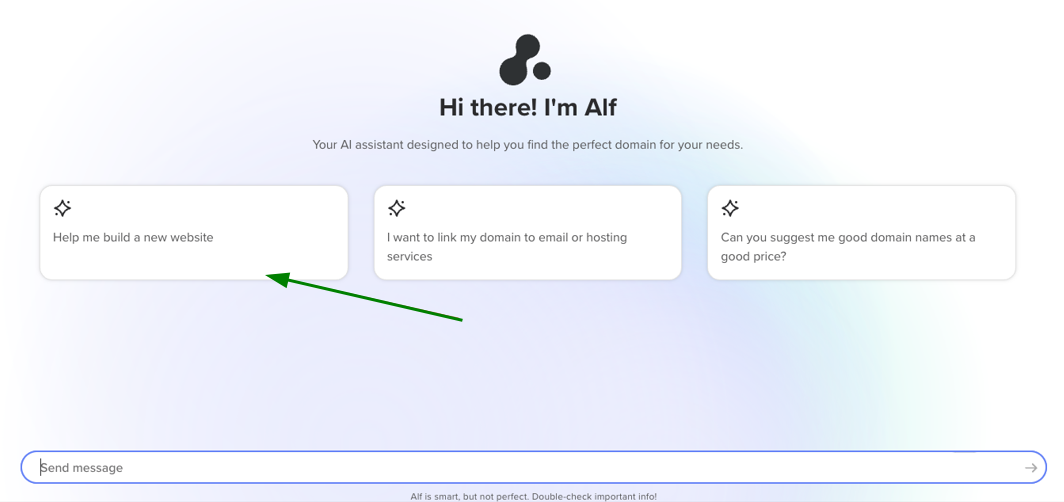
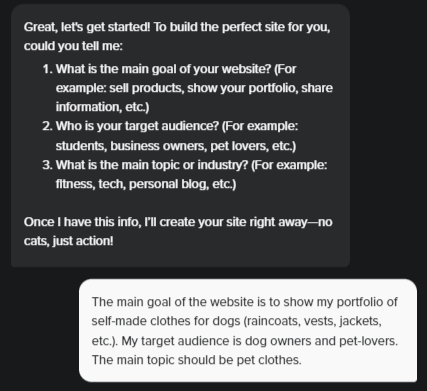
Before generating a website, Alf should collect all the necessary details. You’ll be prompted to talk about your website’s goal: Why you’re creating the website, what it’s about, and who your target audience is.
After collecting the required information, Alf will ask you to confirm the creation of the product. Only after confirmation will the website generation begin.
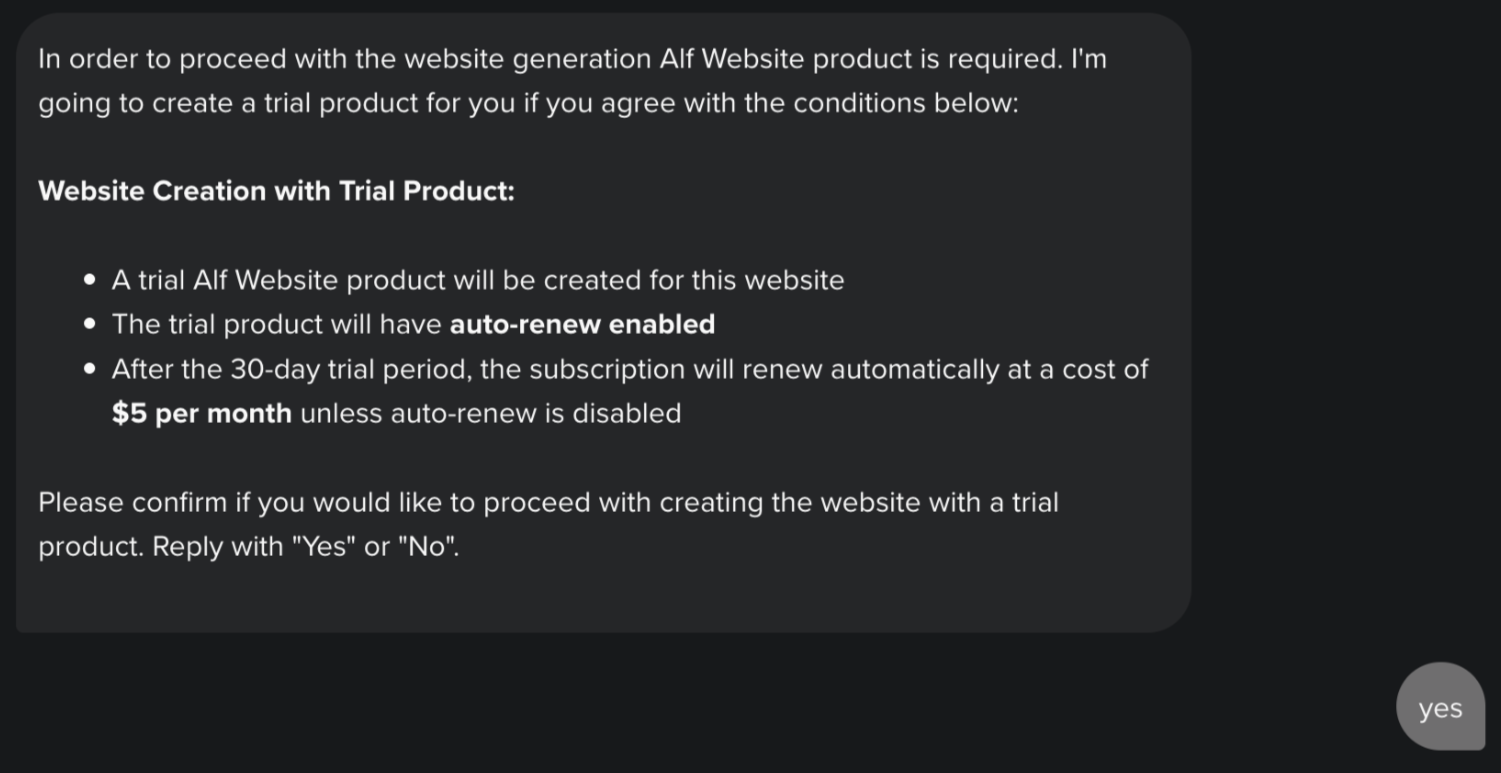
If you previously created an Alf Website from the Library or as a Landing Page, you will not see this message, your newly created website will be automatically attached to the product in your account.
Once the website is generated, Alf will notify you. The website will be shown on the right side of the screen:
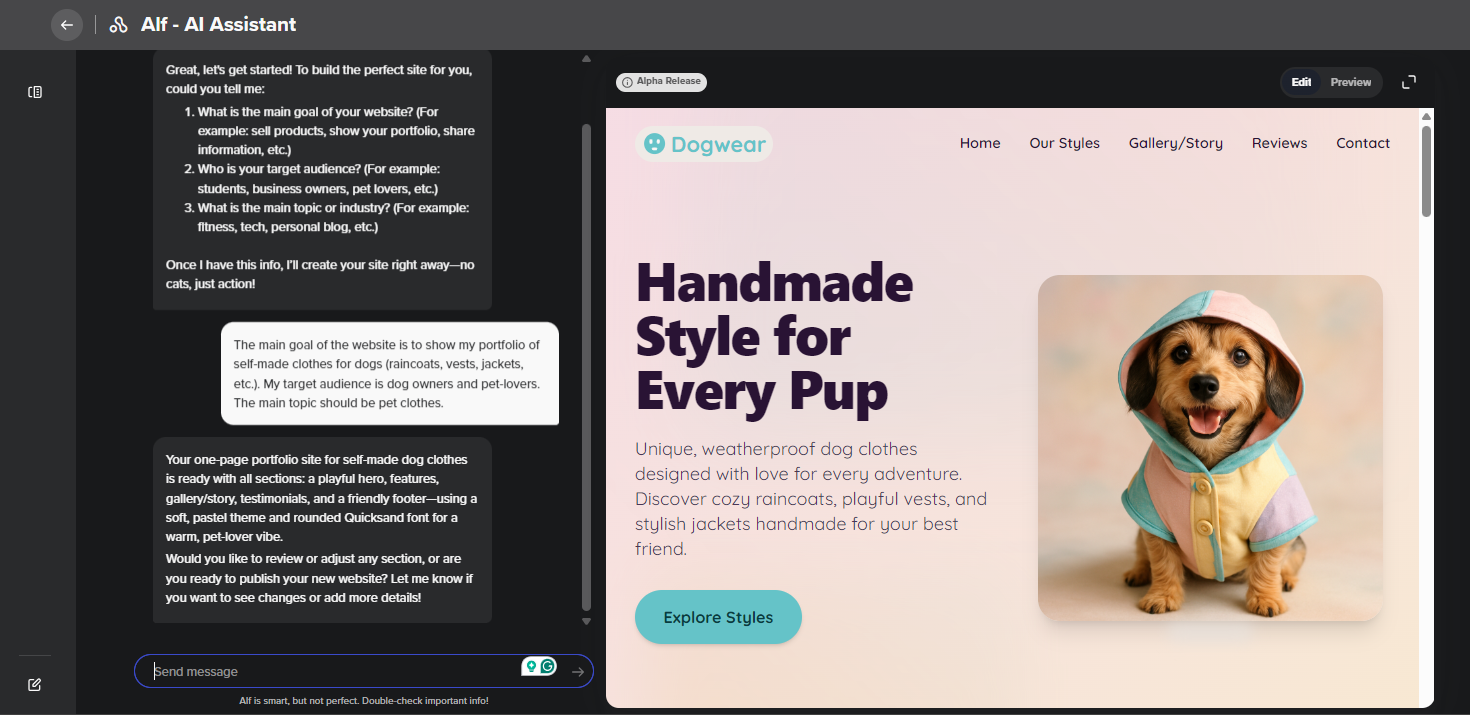
Alf will auto-generate text, images, a logo and a favicon for your website.
Please note: Each Alf chat can be used to create only one website. If you’d like to build another website, simply start a new chat.