Website previewing and editing in Alf Website Builder
At this stage, Alf provides you with options to review and adjust your new website, and then publish it:
Preview
By clicking Preview, the live preview mode is enabled, which allows you to view changes before publishing: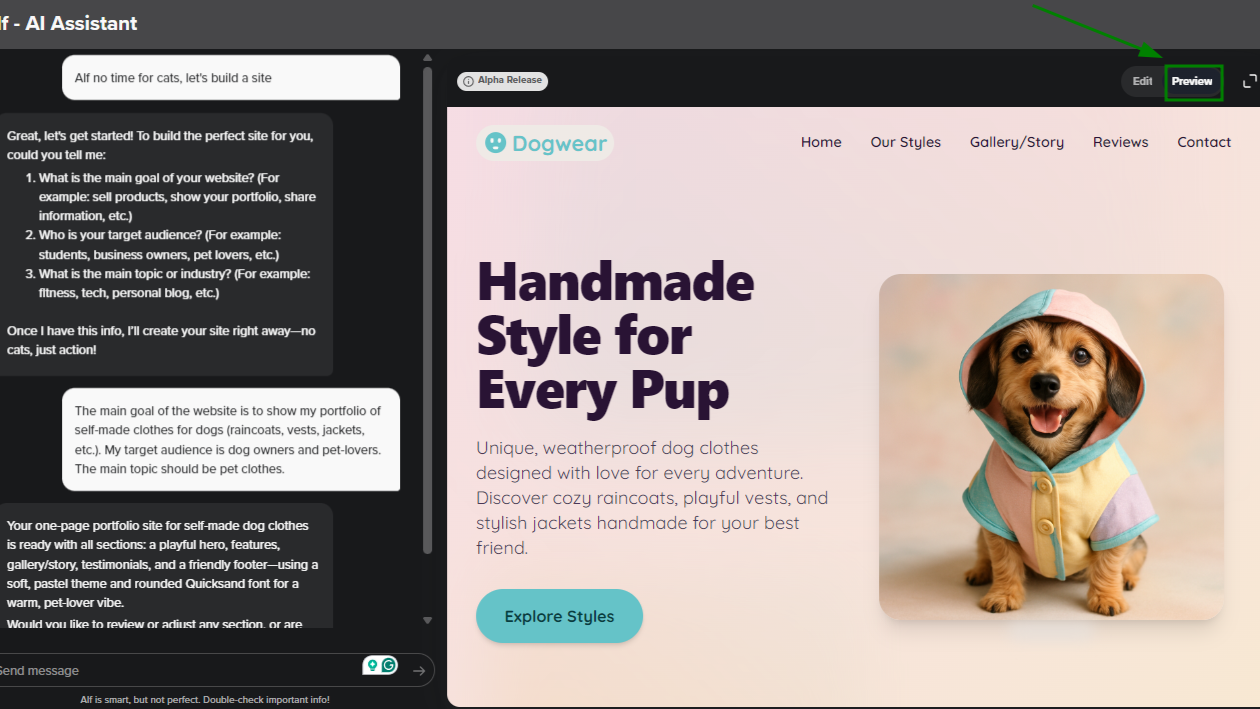
The option to see how your website looks in full screen is also available: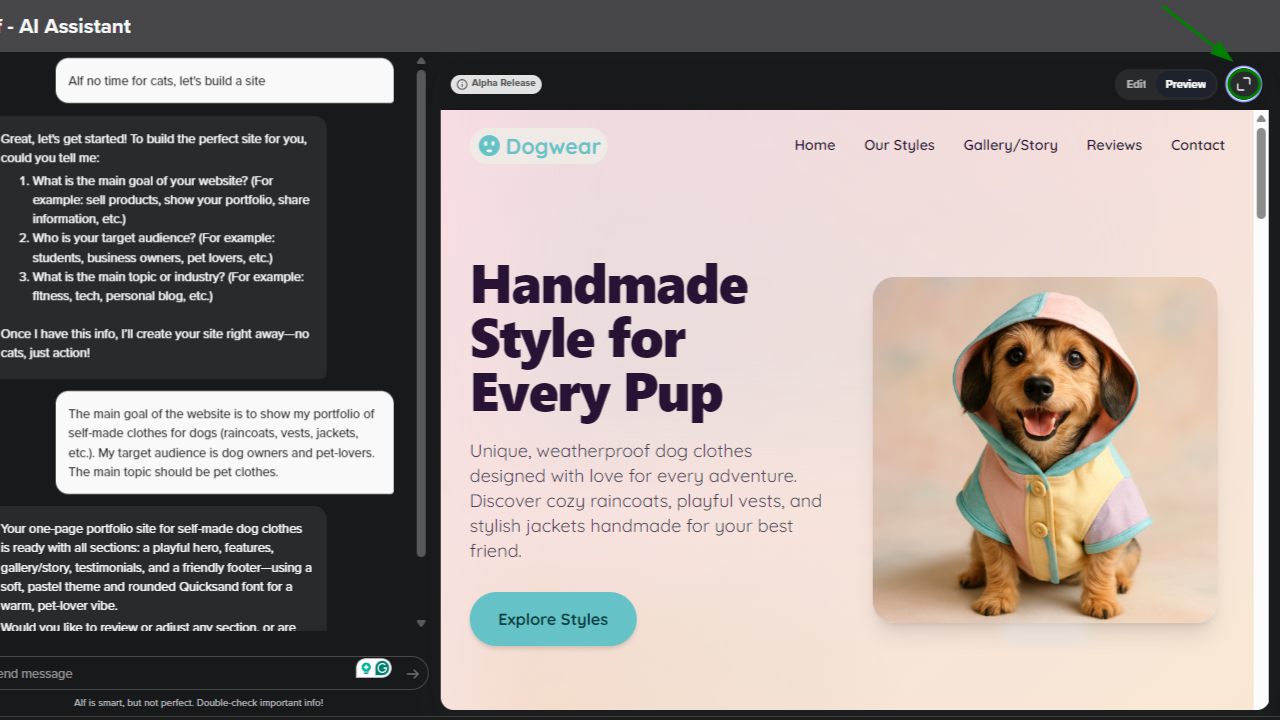
Edit
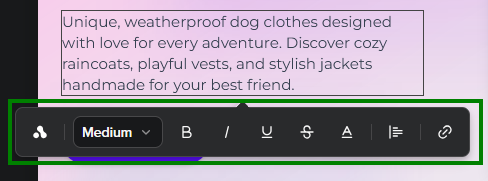
This option allows you to edit the website manually. At the moment, the list of changes you can make is limited to:Formatting all text content (headings, paragraphs, captions) on the website. To do this, hover over the element you’d like to update, and make your adjustments:
Images
You can regenerate an image using AI. To do this, click on the desired image >> click the Alf icon >> enter a prompt for the new image >> send the prompt. The system will generate a new image to replace the current one: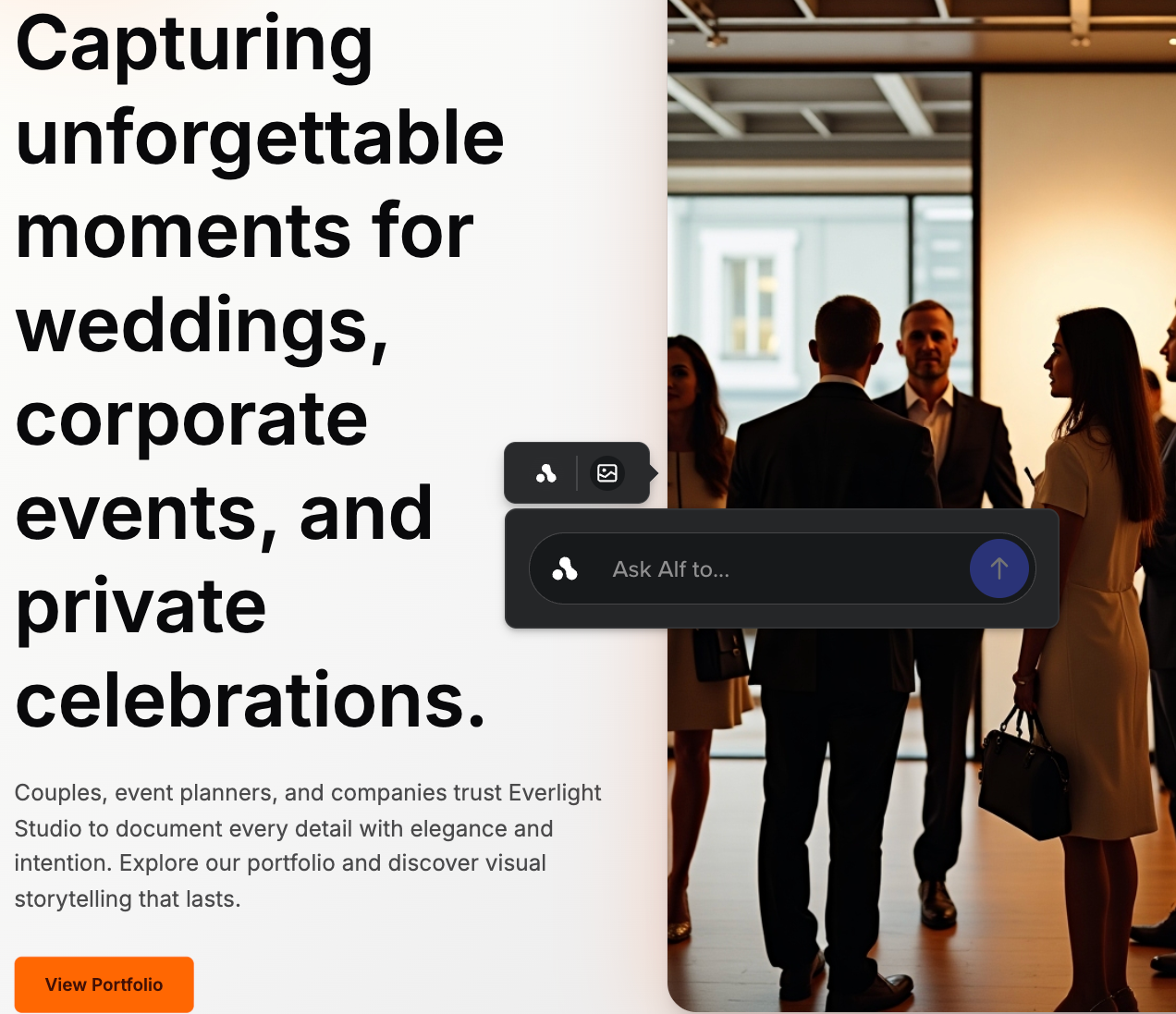
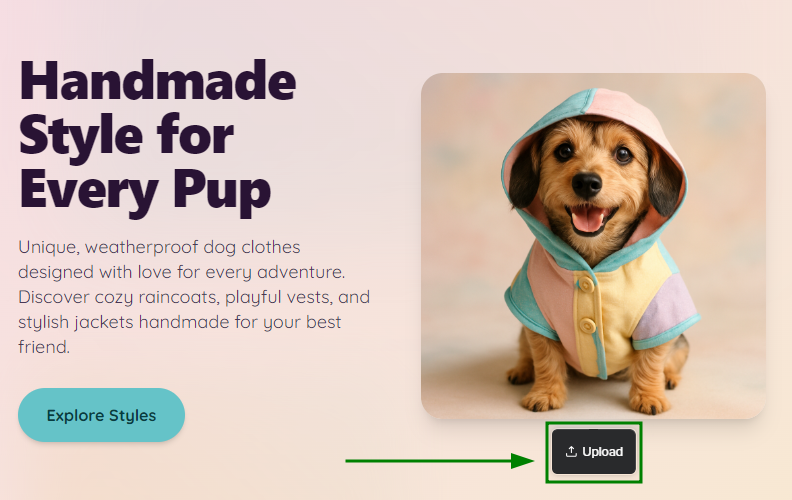
Note: Alf cannot “see” the current image yet, so please describe in the prompt exactly what you would like the new image to look like.You can also upload custom images (and use them instead of the ones generated by Alf) by clicking Upload under the existing image. You can use any image that’s an SVG, PNG, JPG, or GIF that does not exceed 5 MB in size.
Themes & Styles
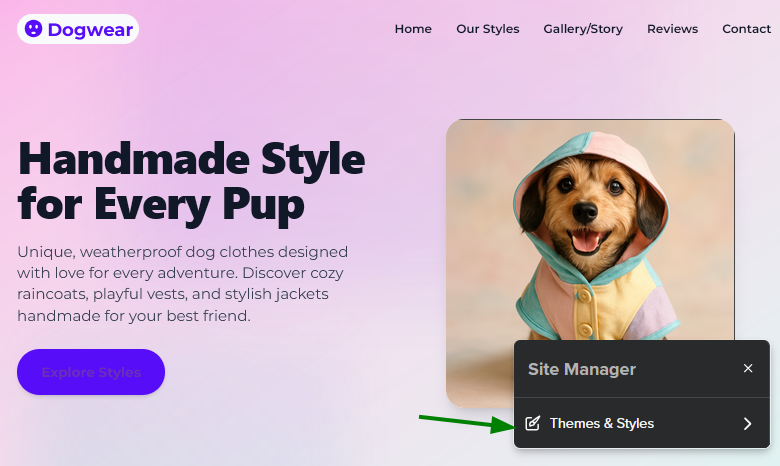
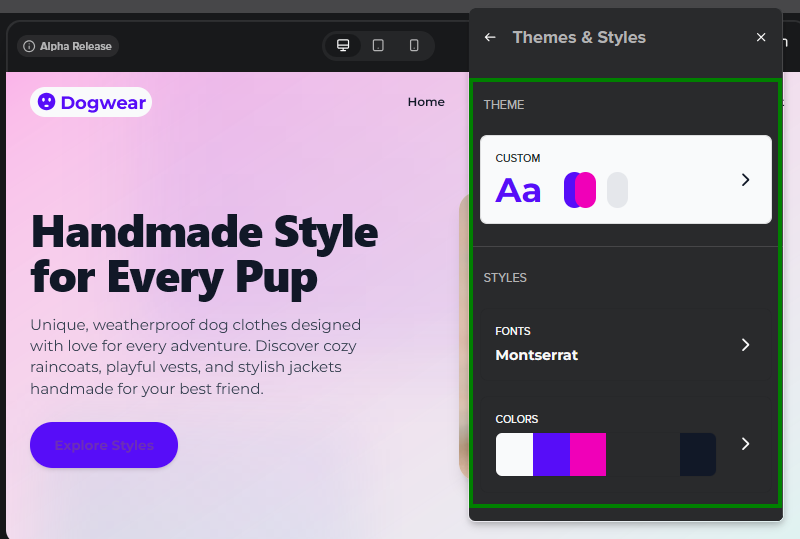
By clicking Site Manager, you can change the website theme and customize the font and color palette: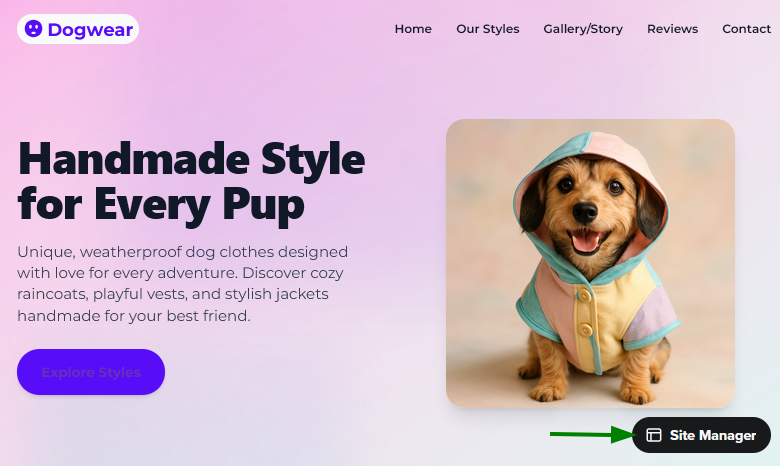
Section management
You can reorder and remove website sections in Editor mode. Click on the desired section to reveal three action buttons that allow you to:Reorder sections using the Up and Down arrows. Please note that the Up/Down arrows are disabled for header and footer.
Delete a section by clicking on the trash bin icon.
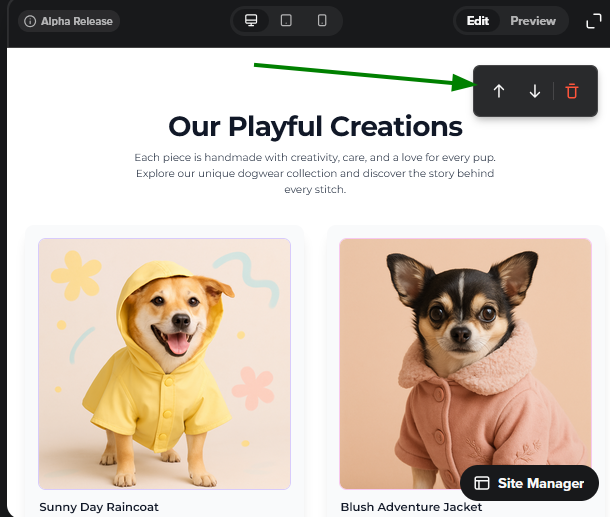
You can also add a background image for each section. To do this, click on the section and use the corresponding button: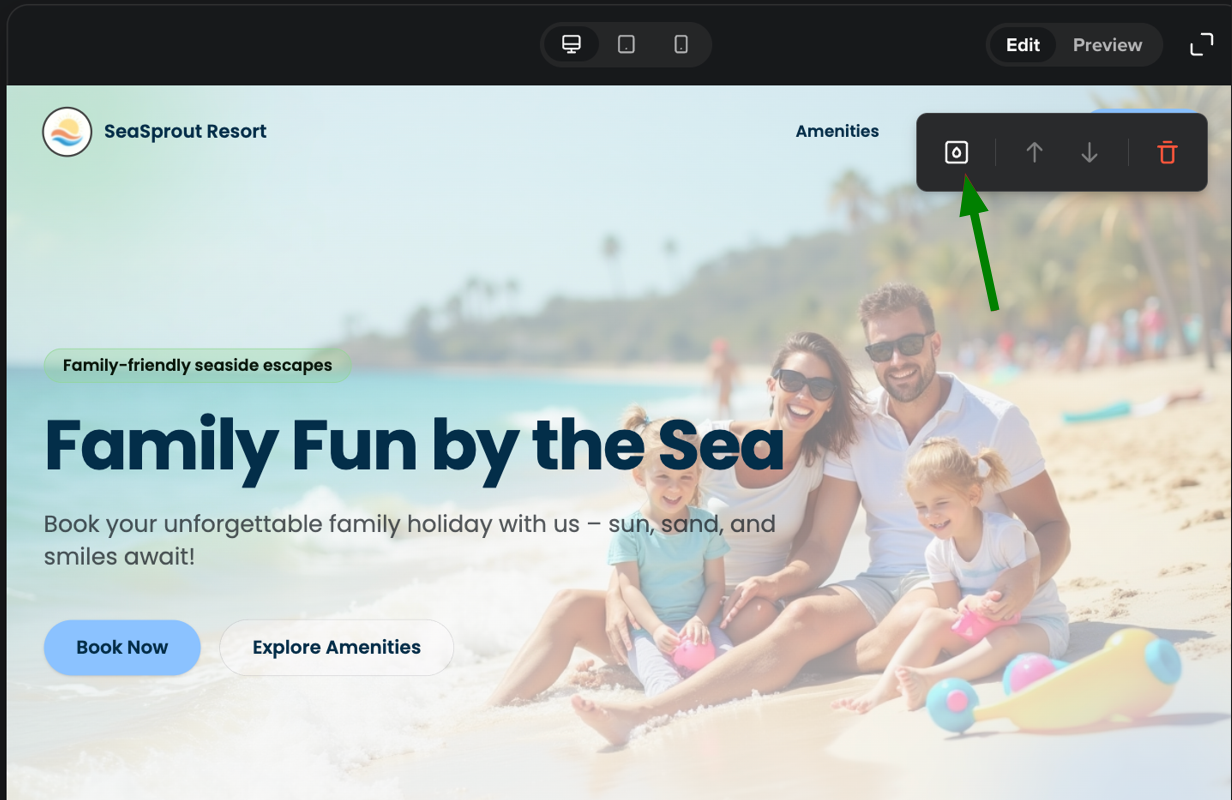
Background image option supports files up to 5 MB in the PNG, JPG, WEBP and JPEG formats.
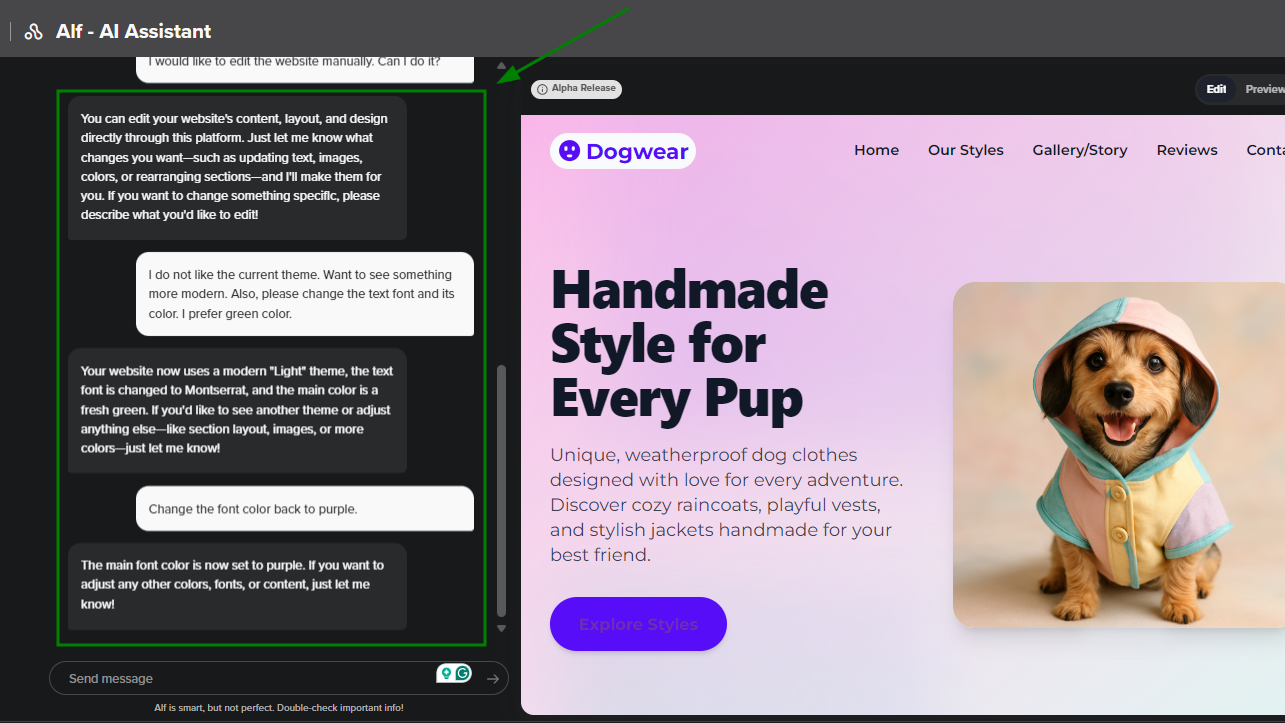
More AI-powered customization options are available by chatting with Alf:
Global styling commands: You can make requests like "Make my website look modern", "Change all fonts to Arial", and so on.
Theme management: You can ask for a list of all available themes, and then get Alf to apply them. If you want to keep the theme the same, but make smaller tweaks (to the color palette or fonts), you can do this too.
Content tone adjustment: You can ask Alf to adjust the tone of your copy to make it more formal, casual, or friendly. These changes can be applied to the whole site.
Element modifications: As mentioned above, you can make minor edits to specific colors, typography, and theme elements.
Content generation: You can also create or regenerate text and images individually for any section of the website.
Layout optimization: If you aren’t sure about the layout, you can ask Alf to rearrange your website’s sections.
Section management: You can also add, remove, and reorder website sections yourself until the site aligns with your vision.
Background image upload: You can upload your own background image to personalize the look of your website.
All you need to do is describe what and where you want to change to Alf, and it will adjust the website design accordingly:
The three buttons at the top allow you to check how the website looks on different devices (Desktop, Tablet, and Mobile):

A favicon (the tiny icon that appears in browser tabs next to your site name) is generated automatically based on your website's logo (and the logo is always present by default):

If you are in the ideation stage of your new site, and want to alter the look and feel or use-case dramatically (e.g., changing from selling cars to a one-page bio) we recommend starting a new conversation with Alf.