
Building an e-learning website that’s engaging and professional can feel overwhelming, especially when you're already juggling course creation, student engagement, and everyday admin tasks.
If you’re a course creator, tutor, or online school administrator, you know how important it is to build a captivating digital learning environment that stands out among the competition. After all, this is where you’ll inspire learners, market your courses, and build lasting relationships with students.
The number of online learning users is expected to increase to a staggering 57 million by 2027. So, without a professional online presence, you risk losing credibility, potential students, and ultimately, revenue.
Luckily, building an e-learning website doesn’t have to be complicated or expensive. Pick the right tools, follow a step-by-step plan, and you’ll be well on your way to building an e-learning platform that stands out, attracts students, and delivers an exceptional learning experience.
Why WordPress is great for your first e-learning site

There are many Content Management System (CMS) platforms you can choose to create and manage your virtual learning environment. WordPress, especially when hosted on fast, simplified hosting for WordPress, strikes the best balance for educators. It’s hassle-free, secure, and delivers exceptional performance. This makes it an ideal solution for educators looking to quickly establish and grow their e-learning presence without technical hurdles.
However, your site’s performance and appeal also depend heavily on the themes and plugins you choose. The right themes make your website inviting and user-friendly, while essential plugins provide critical features that streamline course management, student interactions, and overall learning experience.
Before we explore how to create an educational space that allows you to build a closer connection to learners, here's a quick overview of the key steps you'll take to launch your e-learning site:
Register a domain –a strong domain name gives your e-learning site credibility and allows learners to easily remember your brand.
Purchase hosting –be sure tochoose the right hosting for you. Shared hosting is a cost-effective, secure option and is great for small e-learning sites. For a fully managed service,cloud hosting for WordPress provides a feature-rich, blazingly-fast option.
Choose your LMS –you should select an LMS that can integrate with or seamlessly run alongside your Content Management System (CMS). WordPress is a highly popular option for e-learning sites because of its flexibility and ease of use.
Pick themes and plugins –give online learners a positive impression with themes and plugins that suit e-learning sites.
Design thoughtfully –follow our top tips for building an intuitive and learner-focused site.
Test thoroughly –rigorously test everything to ensure it works as it should to avoid stress and hassle further down the line.
Launch confidently –celebrate going live and look forward to gaining a connection with your learners.
Be at the forefront of the online education market
Your website directly impacts your credibility, student satisfaction, and overall success. In the highly competitive online education market in 2025, a professionally designed website makes a huge difference.
Students will judge your courses based on their initial impressions. If your website feels outdated, slow, or difficult to navigate, potential learners might choose another e-learning provider.
A well-built e-learning website helps you establish authority, provide the best user experiences, and boost accessibility to reach more learners.
With that in mind, let’s explore five popular LMS platforms to get your e-learning site off to the best start.
5 popular Learning Management Systems (LMS)
First, let’s explain what a LMS is: a Learning Management System (LMS) is a software application used to create, manage, deliver, and track online learning or training programs.
The LMS you select will massively shape your teaching experience and the student's learning journey. There are lots of platforms to choose from, each with distinct strengths and considerations.
Combining WordPress with LMS plugins gives you all you need for extensive customization, flexibility, and scalability without the tech headaches. Let’s take a look at some of the most popular choices.
1. Moodle
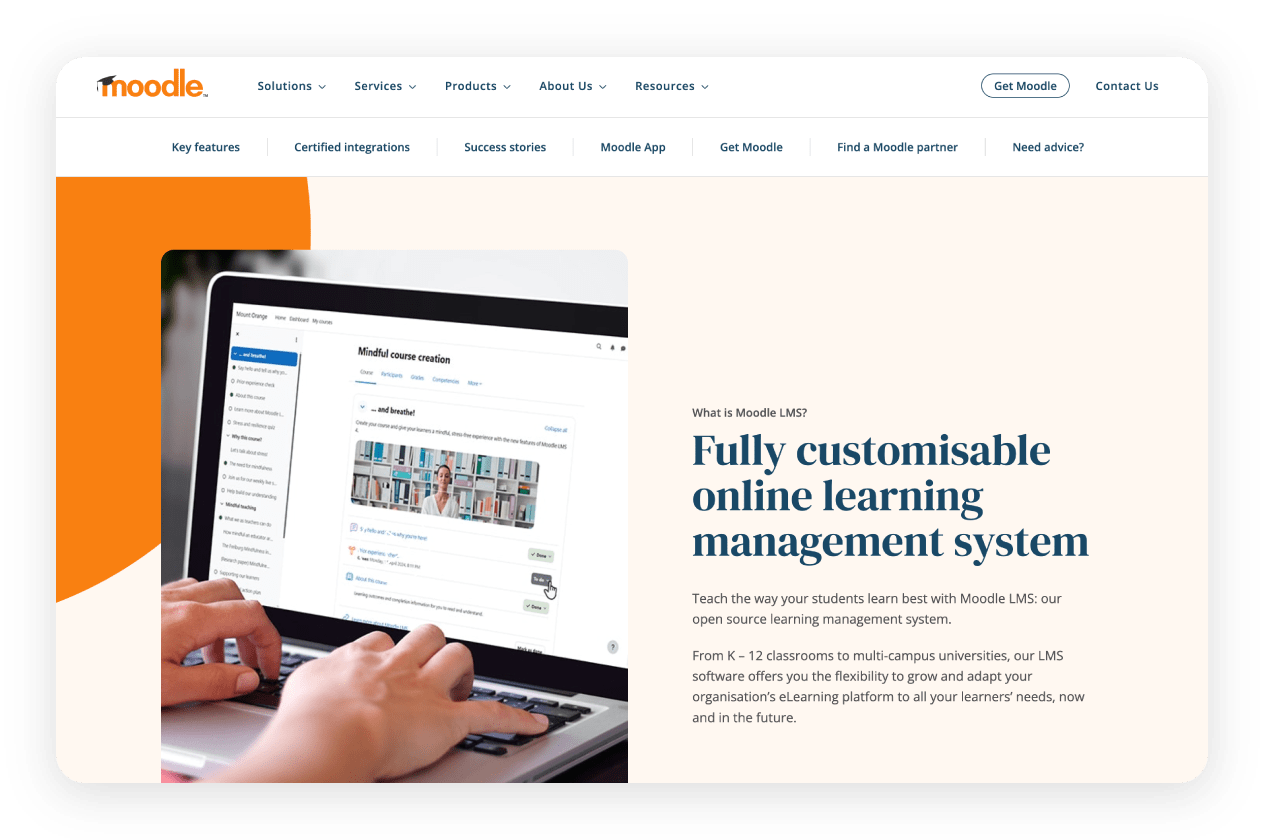
Moodle is an open-source LMS that embraces innovation and collaboration. It’s rich in features, such as customisation for any teaching or training method, and can be integrated with WordPress in less than 20 minutes using the free plugin Edwiser Bridge. All you need to do is:
Install Edwiser Bridge plugin in WordPress.
Install the Edwiser Bridge Moodle plugin on your Moodle site.
Configure API settings between the two platforms.
Install add-ons for WooCommerce, SSO, etc. (optional).
Read the full documentation on how to integrate Moodle with WordPress. If you have Spaceship’s shared hosting, Moodle can be installed when you Unbox™. Learn more about Moodle in the latest release video.
2. Chamilo
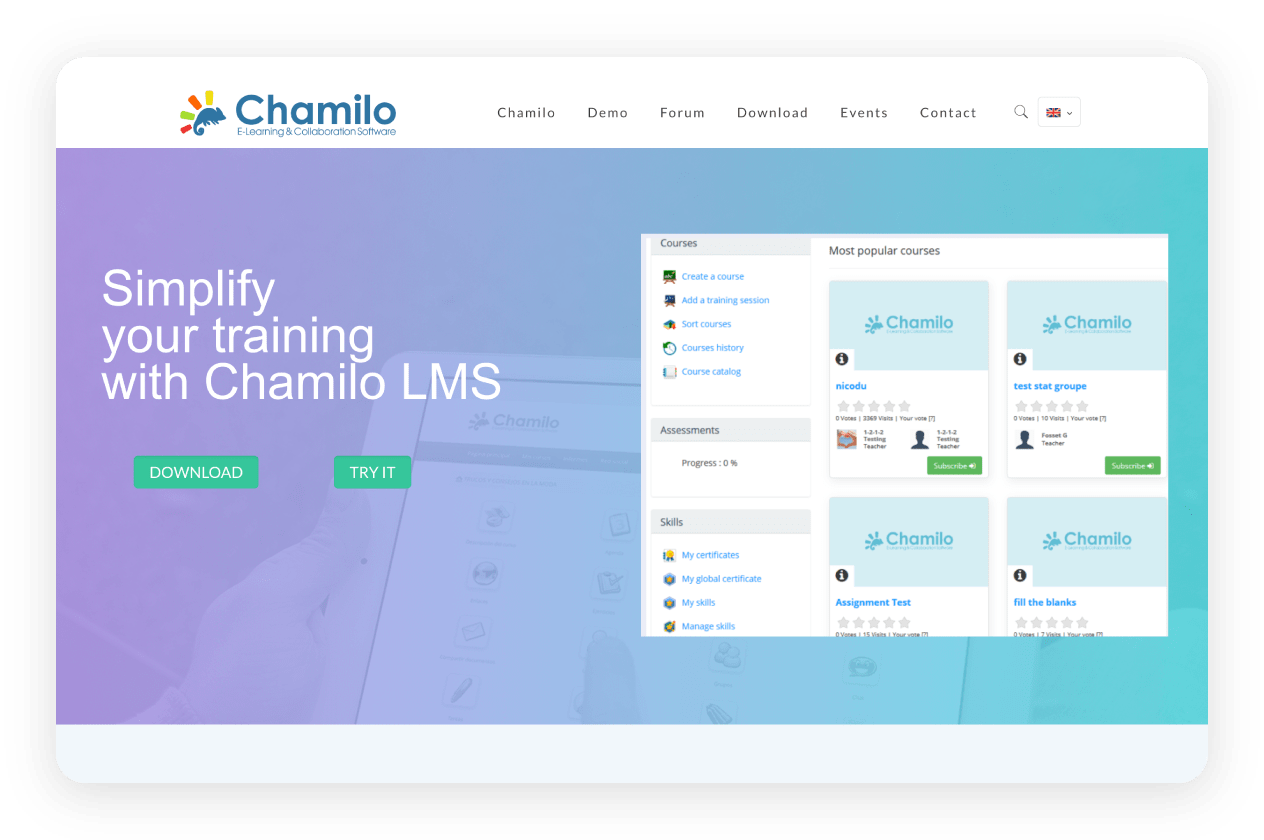
Next, Chamilo is an easy-to-use LMS with a simple setup. The popular platform for educators includes mobile compatibility, detailed analytics and reporting, multilingual support, and integrated social learning tools.
Although there isn’t a dedicated plugin, you can run Chamilo alongside WordPress by using Chamilo for managing courses, students, quizzes, and certifications and WordPress for marketing, blogging, course promotion, SEO, and user engagement. Add navigation links or buttons within WordPress and point them directly to your Chamilo courses and login pages.
3. MemberPress
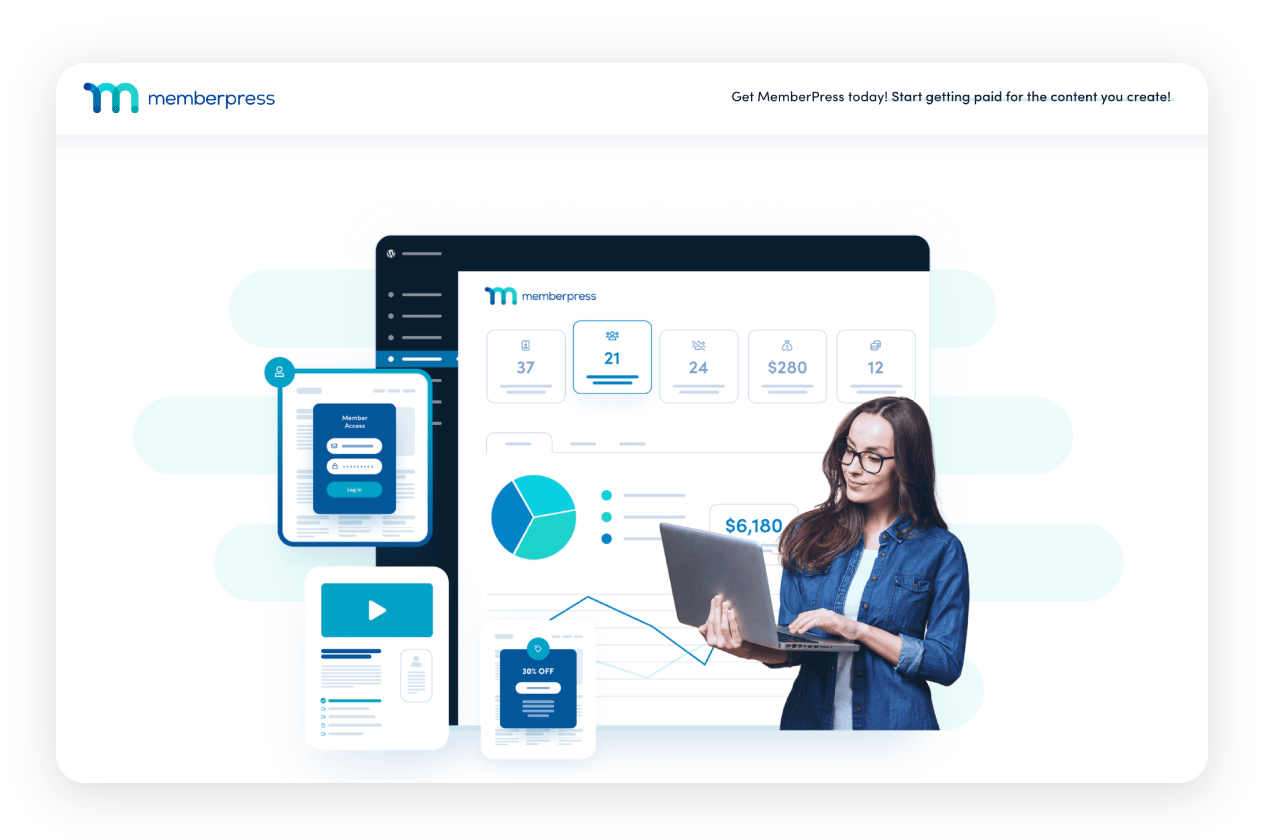
As the number 1 WordPress membership plugin, MemberPress is also a trustworthy LMS that is particularly beneficial for sites focused on memberships and subscription-based content. With excellent content restriction, straightforward payment gateway integration, and user-friendly admin tools, MemberPress is a great all-in-one membership solution for educators. Discover how to create and sell online courses on WordPress.
4. Thrive Apprentice
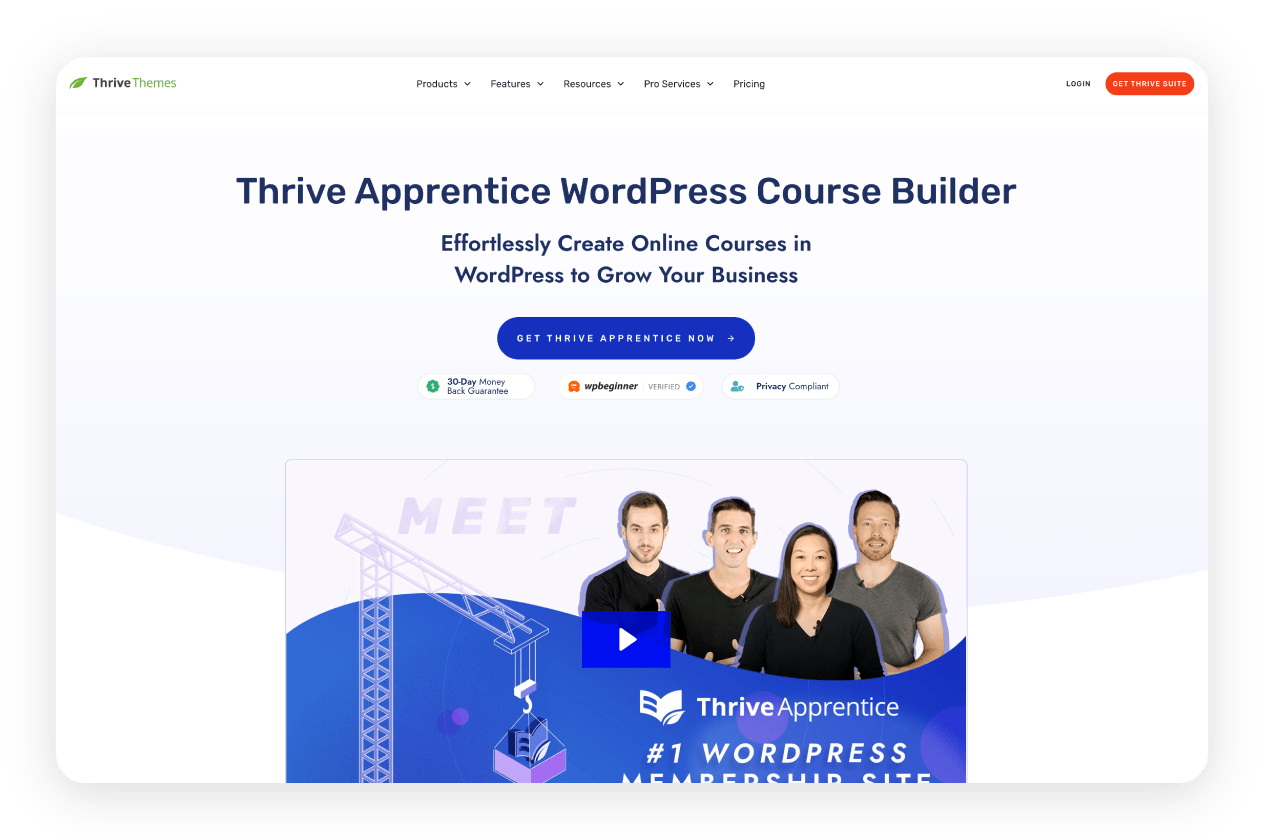
This hassle-free WordPress course plugin gives you full design control, including content dripping and customizable course layouts. What’s more, it fully integrates with other popular tools, such as WooCommerce, MemberPress, and more.
5. MemberMouse
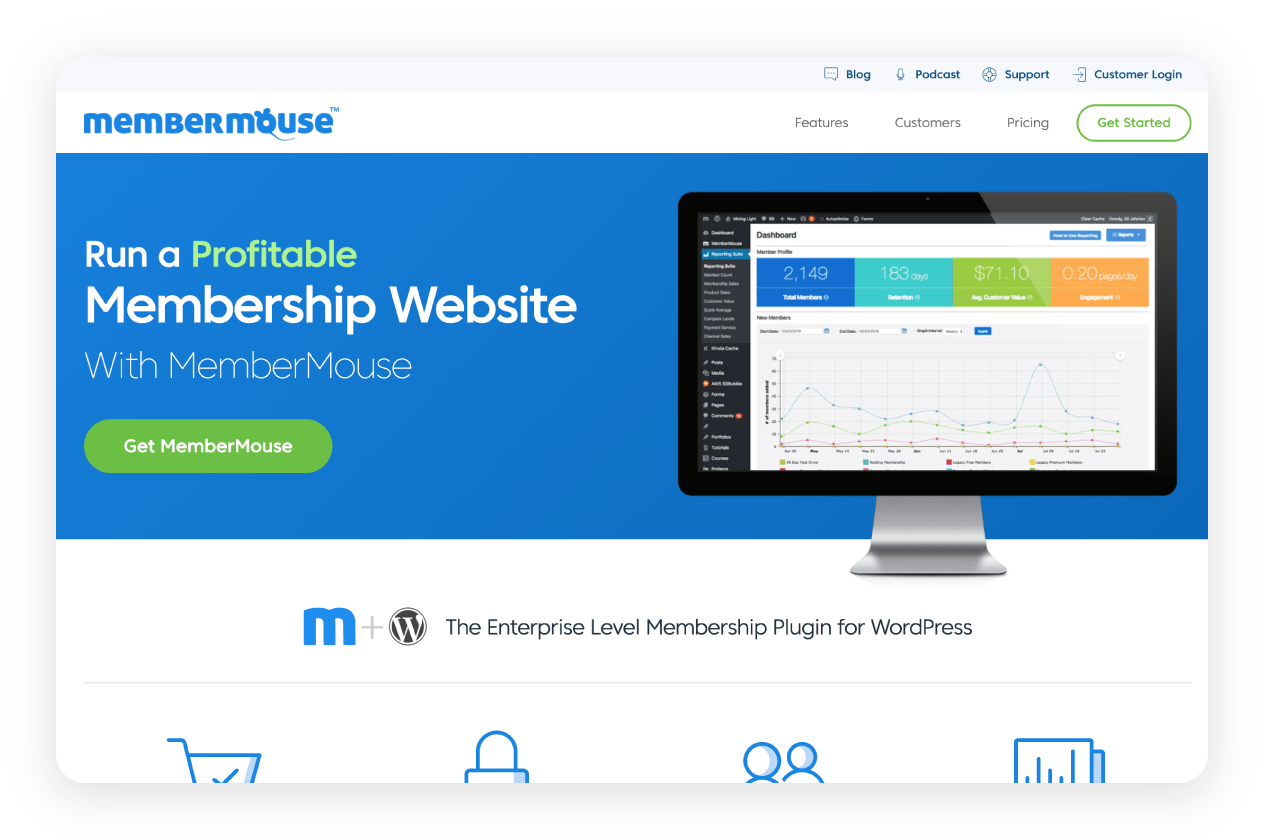
MemberMouse excels in membership management, offering advanced subscription options, detailed member analytics, and robust automated email sequences, ideal for educators aiming for high student retention and engagement. More than simply a membership plugin, MemberMouse is a powerful, all-in-one LMS featuring course access management, built-in quizzes, student progress tracking, and personalized student dashboards.
Crafting an e-learning site that’s set to impress

Learning can be challenging at the best of times, but a poorly designed website will leave students frustrated and unfocused. That’s why careful consideration must be made to the layout, navigation, colors, and typography. These all come together to enhance the overall feel of the site and make it effortless to use. Let’s take a quick look at each point.
Layout
Your website’s layout should feel intuitive and user-friendly. Prioritize clarity by organizing content logically.
Focus on simplicity — don’t overwhelm users with too much information. Utilize plenty of whitespace to help learners easily scan your pages.
Navigation
It’s important to make sure navigation is clear. Make sure menus and course categories are straightforward, helping students easily find content.
Include search functionality and clear, descriptive labels on menus and buttons, aiding usability and reducing frustration.
Colors
Choose a color scheme reflecting your brand’s personality and the educational experience you offer. Warm colors create a welcoming feel, while cooler colors convey professionalism and clarity.
Typography
Select easy-to-read fonts so content reads well across all devices. Opt for standard, clean fonts that maintain a professional feel.
Combine headings and body text thoughtfully, maintaining a clear visual hierarchy that guides learners effortlessly through your material.
We’ve created a comparison table below highlighting essential elements for different e-learning needs:
|
Preparing to launch your educational site
Launching your website involves more than simply going live. To provide an exceptional user experience for your students, rigorous preparation and testing are really important.
Don’t forget to check that courses are accessible, payment systems are working, forms operate correctly, and the site is responsive across devices.
Make sure you get to grips with the best SEO tips to boost your search ranking and attract new students to your website.
Finally, analytics tools should be set up to monitor user engagement and continuously optimize site performance based on user insights.
Ongoing website maintenance and updates
Although your e-learning website involves some level of preparation, it isn’t a static resource. Regular maintenance and security updates are important for your visitor safety and reduce the chances of cyberattacks that can have a devastating impact on your small business. Fortunately, cloud hosting for WordPress providers often have features that help you automatically manage your website with ease.
It’s also important to regularly refresh and add new content, such as blogs, to engage your target audience and maintain accuracy. You should also actively engage with students for feedback to guide continuous improvement.
Gain a closer connection to your learners

Building your own e-learning website might feel like a significant step — but by following our guide, you can achieve real growth, independence, and connection with your learners. Whether you're running a tutoring business, launching self-paced courses, or managing an online school, the right tool will set you up for long-term success.
Understandinghow to choose the right WordPress themes, plugins, and designs gives you the power to shape a learning experience that feels personal, professional, and scalable.
You don’t need to understand how to code, hire a developer, or be a professional designer to create your first e-learning site. You just need a simplified guide, and now you’ve got one!
Frequently asked questions
Your e-learning website should include clear course descriptions, instructor bios, pricing details, and an easy registration process. Place these on a dedicated ‘course’ and ‘about’ page. Add testimonials, FAQs, and contact info to build trust, and make sure login access is visible in the main navigation. Each element should be easy to find, mobile-friendly, and aligned with your brand.
Use accessible themes, optimize your website structure for screen readers, caption videos, and provide descriptive alt texts for images. Plus, make sure your website follows a mobile-first design approach.
We recommend crafting a complete content marketing strategy for your e-learning site so you can achieve long-term success and growth.

Suggested articles




Share your thoughts