Πώς να διαχειριστείτε τον Spacemail AI assistant
Spacemail AI Assistant έχει σχεδιαστεί για να σας βοηθήσει να γράφετε πιο έξυπνα και γρήγορα. Διαθέσιμο απευθείας στο παράθυρο Σύνταξη, σας επιτρέπει να δημιουργείτε επαγγελματικά προσχέδια email μόνο με λίγες λέξεις. Είτε ξεκινάτε ένα νέο μήνυμα είτε απαντάτε σε μια υπάρχουσα συνομιλία, ο βοηθός σας βοηθά να εξοικονομήσετε χρόνο και να βελτιώσετε την ποιότητα της επικοινωνίας.
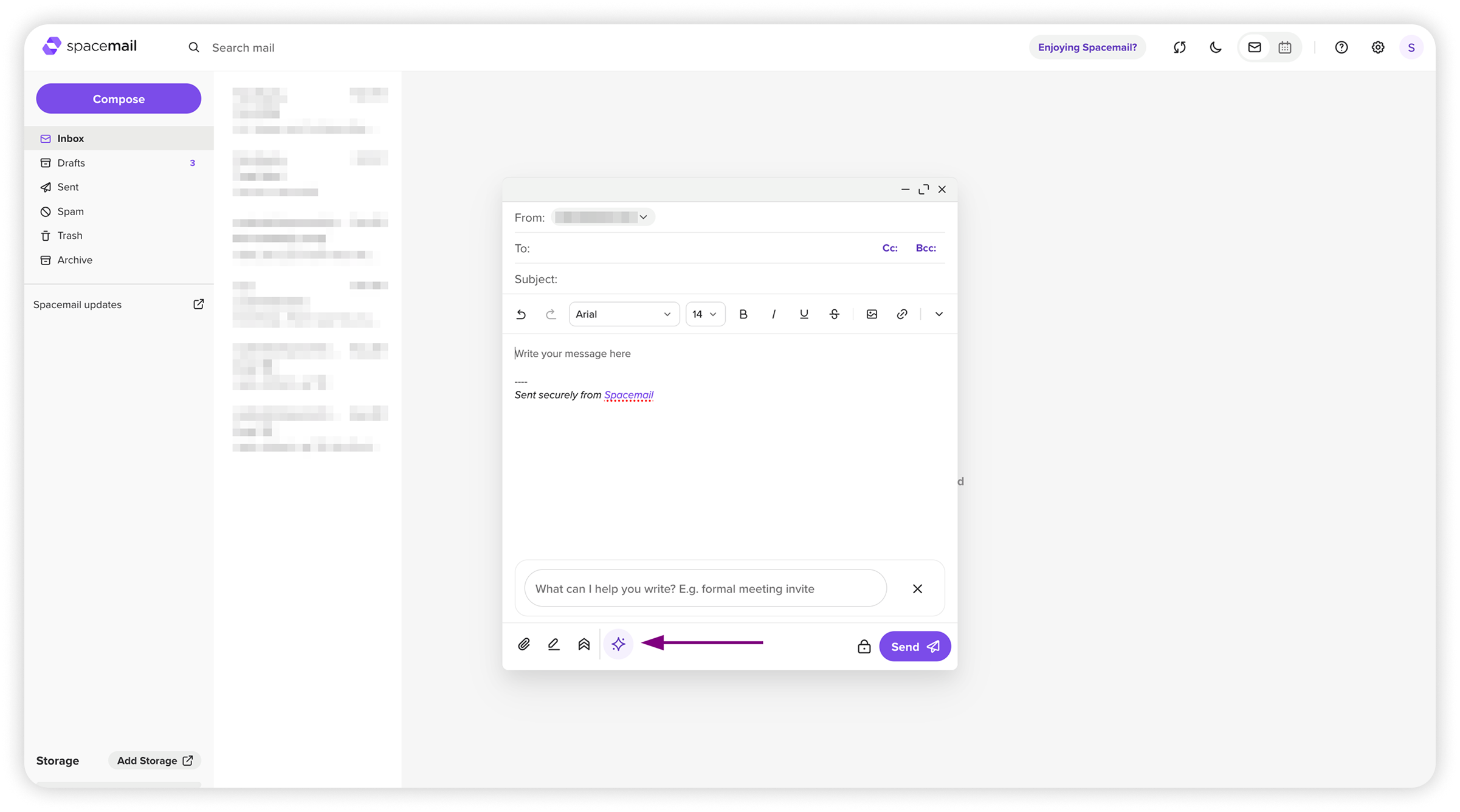
Βασικά χαρακτηριστικά
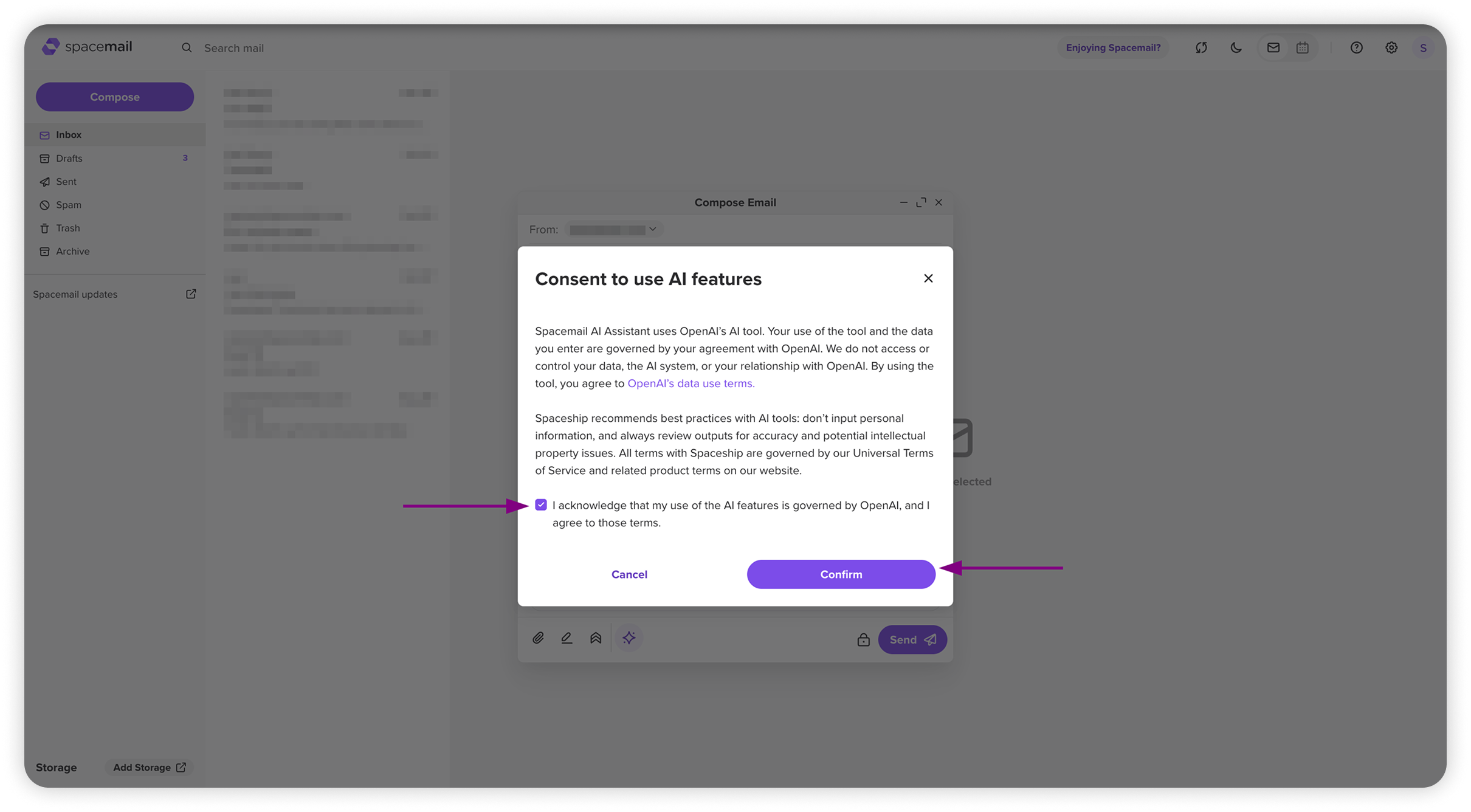
Απαιτείται ρητή συγκατάθεση χρήστη πριν από τη χρήση της AI για πρώτη φορά ή όταν η κοινή χρήση δεδομένων ενεργοποιείται ξανά
Η συγκατάθεση μπορεί να ανακληθεί οποιαδήποτε στιγμή μέσω των Ρυθμίσεων στο Spacemail webmail
Οι λειτουργίες AI μπορούν να ενεργοποιηθούν/απενεργοποιηθούν για να εμφανίζεται ή να αποκρύπτεται η προτροπή AI στο παράθυρο Σύνταξης
Απαντήσεις με επίγνωση περιεχομένου: ο AI Assistant μπορεί να δημιουργεί απαντήσεις βάσει τόσο της εισόδου σας όσο και του περιεχομένου της υπάρχουσας συνομιλίας email. Το σύστημα αντλεί σχετικό περιεχόμενο συνομιλίας μόνο ως κείμενο (εξαιρούνται εικόνες και συνημμένα), δίνει προτεραιότητα στα πρόσφατα μηνύματα αν η συνομιλία είναι πολύ μεγάλη και δημιουργεί την απάντηση στη γλώσσα της συνομιλίας εκτός αν οριστεί διαφορετικά. Αυτή η λειτουργία ισχύει μόνο για τις ενέργειες Απάντηση, Απάντηση σε όλους και Προώθηση.
Πώς λειτουργεί
Διάλογος συγκατάθεσης AI: Εμφανίζεται ένας διάλογος συγκατάθεσης όταν αποκτάτε πρόσβαση στον AI Assistant για πρώτη φορά ή μετά την επανενεργοποίηση της κοινής χρήσης δεδομένων — είτε συντάσσετε νέο email, απαντάτε, απαντάτε σε όλους ή προωθείτε. Ο διάλογος εξηγεί πώς χρησιμοποιούνται τα δεδομένα και απαιτεί επιβεβαίωση πριν ο AI Assistant επεξεργαστεί οποιαδήποτε είσοδο.
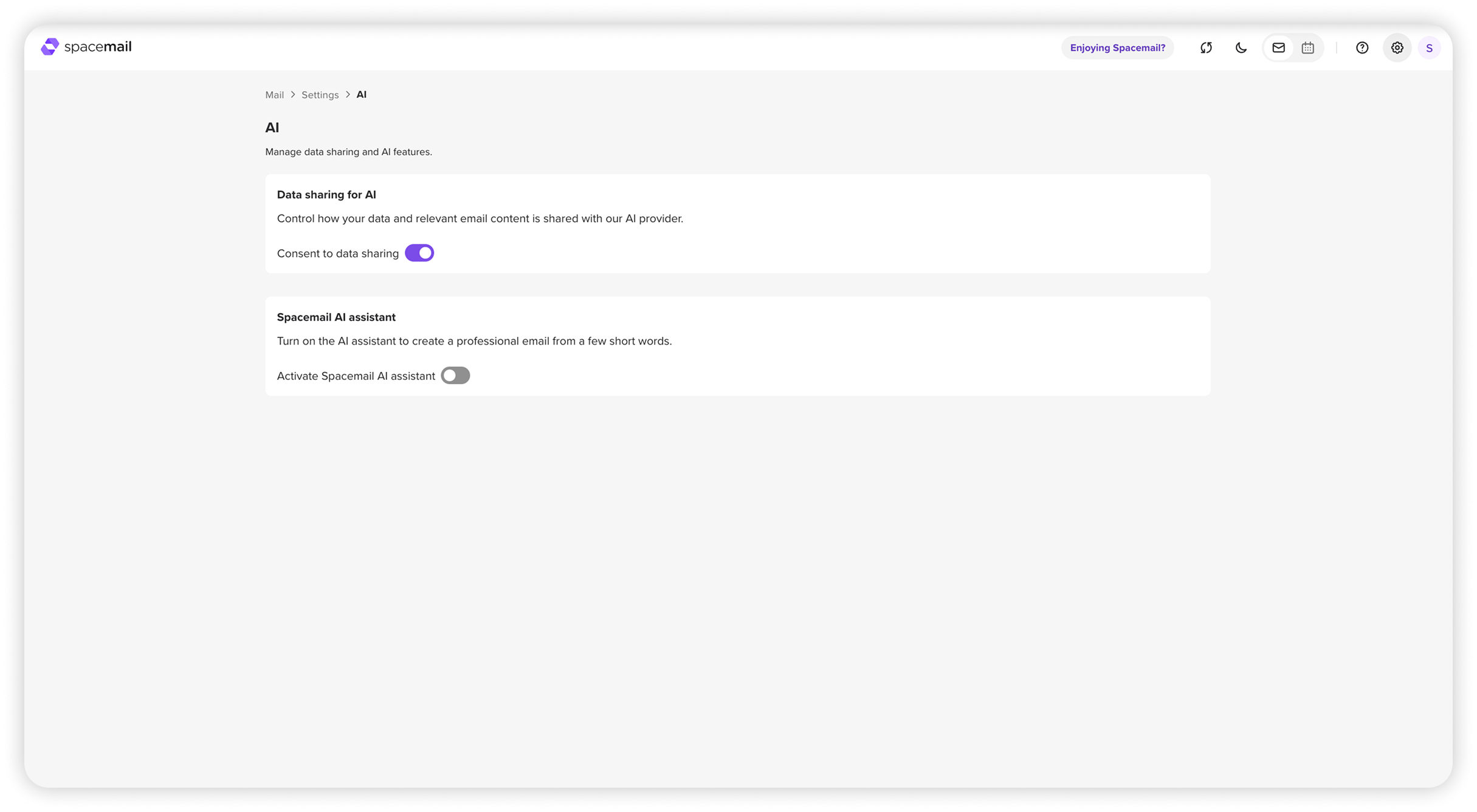
Ρυθμίσεις: η ενότητα AI σας επιτρέπει να:
Δείτε ή ανακαλέστε τη συγκατάθεσή σας οποιαδήποτε στιγμή
Διαχείριση προτιμήσεων χρήσης δεδομένων
Ενεργοποιήστε ή απενεργοποιήστε τις λειτουργίες AI — αυτό ελέγχει αν θα εμφανίζεται η προτροπή AI στο παράθυρο Σύνταξης ή Απάντησης.
Όταν κάνετε κλικ στο Διαχείριση προτιμήσεων AI, θα δείτε το παρακάτω παράθυρο:
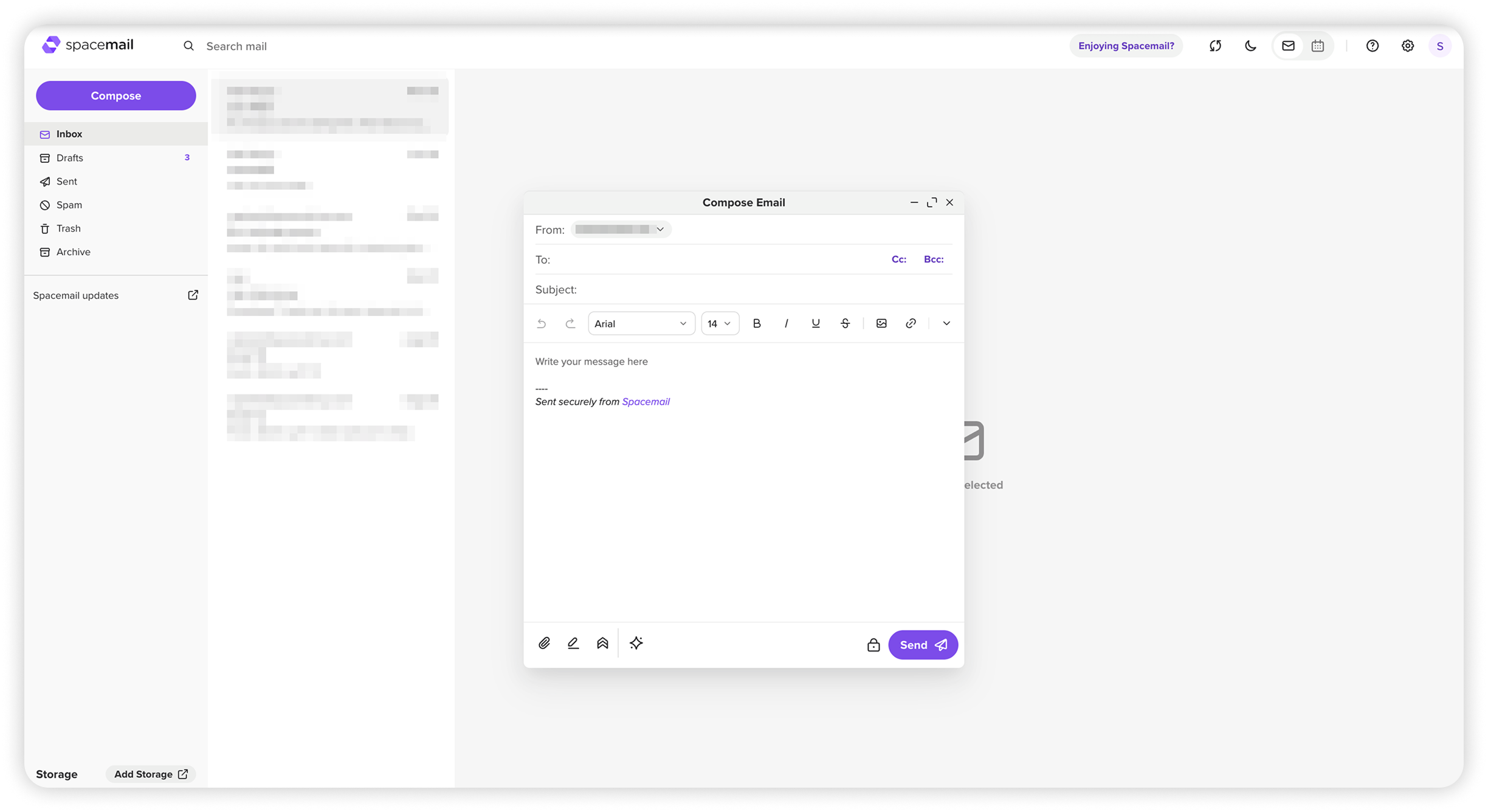
Θα δείτε ότι η προτροπή AI είναι κρυφή όταν η λειτουργία είναι απενεργοποιημένη. Ωστόσο, μπορείτε να την έχετε πρόσβαση οποιαδήποτε στιγμή κάνοντας κλικ στο εικονίδιο ✨ στο παράθυρο Σύνταξης.
Αυτό ήταν!