Warum FastVPN für Ihren Linux-PC nutzen?
FastVPN™ schützt Ihren Linux-PC mit No-Log-Verschlüsselung und einfacher Einrichtung auf Ubuntu und Debian.

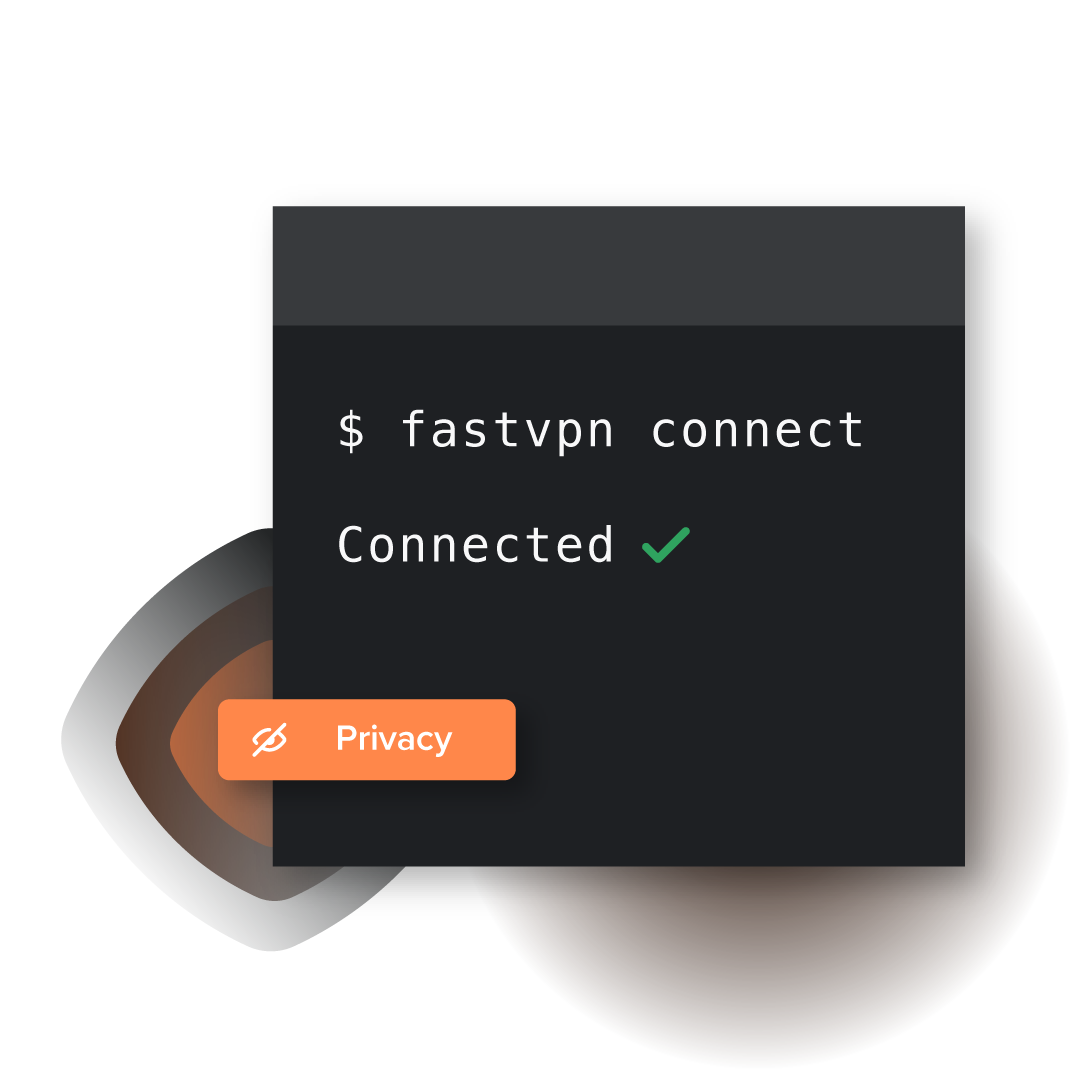
Einfache Einrichtung auf Ubuntu und Debian
In wenigen Minuten installiert
Importieren Sie eine OpenVPN-.ovpn-Datei in den NetworkManager und verbinden Sie sich in wenigen Klicks auf Ubuntu oder Debian.
Steuern Sie alles über GUI oder CLI
Konfigurieren und verbinden Sie sich über die Einstellungen des NetworkManagers oder den openvpn-Befehl – ganz ohne Ballast.
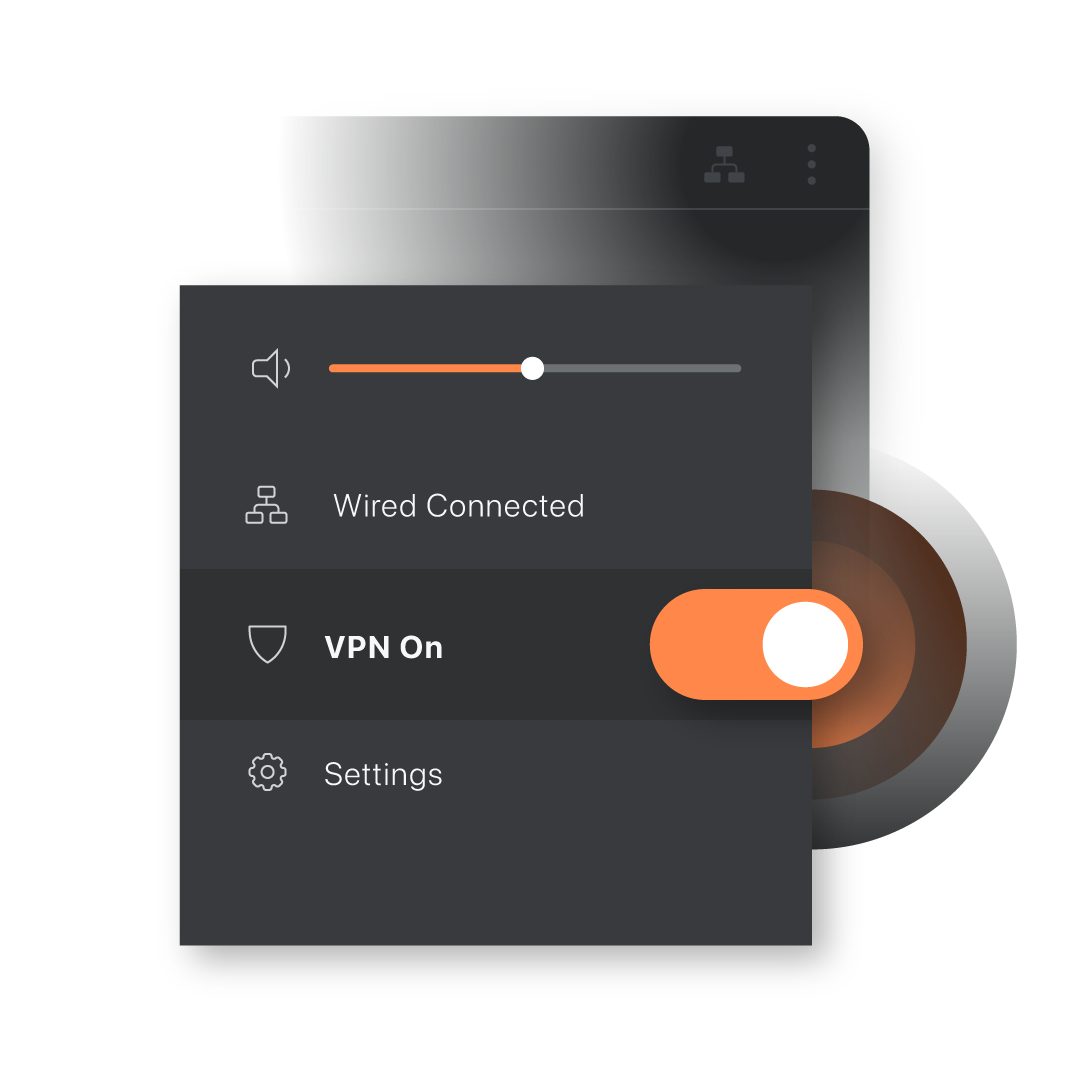
Unbegrenzte Bandbreite auf Linux
Streamen, spielen und synchronisieren ohne Begrenzungen
Es gibt keine Datenlimits, sodass 4K-Streams, Cloud-Backups und große Downloads ohne Drosselung laufen können.
Systemweiter Schutz
Verschlüsseln Sie den Datenverkehr für Browser, Entwickler-Tools und Paketmanager auf einmal, damit jede App eine sichere Verbindung nutzt.
Einrichtung auf Ubuntu und Debian
Laden Sie Konfigurationen herunter und installieren Sie OpenVPN-Unterstützung.
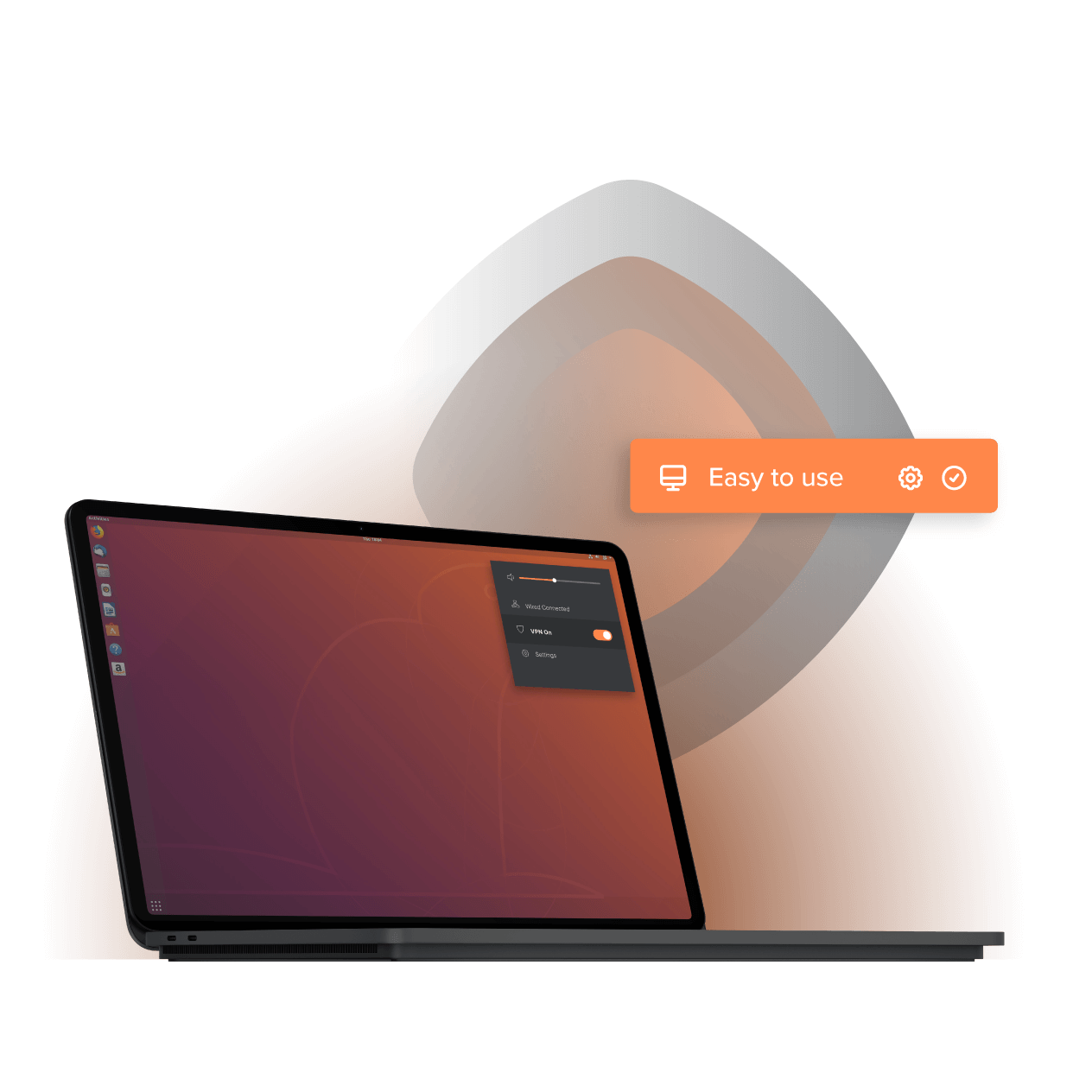
Erstellen Sie Ihr FastVPN-Konto
Registrieren Sie sich und laden Sie Ihre Konfigurationsdateien aus dem Dashboard herunter.
Kommandozeilenoption:
wget https://vpn.ncapi.io/groupedServerList.zipInstallieren Sie OpenVPN-Unterstützung
Fügen Sie GUI-Unterstützung für den Import von VPN-Konfigurationsdateien hinzu.
sudo apt-get install network-manager-openvpn-gnomesudo service network-manager restartImportieren und verbinden
Importieren Sie die Datei in den Netzwerkeinstellungen, geben Sie Ihre Zugangsdaten ein und verbinden Sie sich dann.
Weltweit verbinden auf Linux
Wählen Sie aus über 2.700 schnellen Servern in mehr als 100 Ländern, um sicher zu streamen, zu spielen und zu arbeiten.
 Albanien
 Argentinien
 Australien
 Österreich
 Belgien
 Brasilien
 Bulgarien
 Kanada
 Chile
Chile Kolumbien
 Costa Rica
 Kroatien
 Tschechien
 Dänemark
 Estland
 Finnland
 Frankreich
 Deutschland
 Griechenland
 Hongkong
 Ungarn
 Island
 Indien
 Irland
 Israel
 Italien
 Japan
Japan Lettland
 Luxemburg
 Malaysia
 Mexiko
 Moldawien
 Niederlande
 Neuseeland
 Norwegen
 Pakistan
 Peru
Peru Philippinen
 Polen
Polen Portugal
 Rumänien
 Serbien
 Singapur
 Slowakei
 Slowenien
 Südafrika
 Südkorea
 Spanien
 Schweden
 Schweiz
 Taiwan
 Thailand
 Türkei
 Ukraine
 Vereinigte Arabische Emirate
 Vereinigtes Königreich
 Vereinigte Staaten
Wählen Sie den perfekten Tarif für Linux
Wählen Sie den besten Tarif für Ihre Linux-Anforderungen und Ihr Budget.
1-Jahresplan
34,56 $/Jahr65% Rabatt*
0,00 $ für 30 Tage
12,00 $/Jahr ($1,00 /Monat)
nach der Testphase
12,00 $ nach der Testphase — Verlängert sich für 34,56 $/Jahr
Monatlicher Plan
0,00 $ für 30 Tage
5,88 $/Monat
nach der Testphase
5,88 $ nach der Testphase — Verlängert sich für 5,88 $/Mon.
*30-tägige Geld-zurück-Garantie
Umfassender Online-Schutz auf Linux
Halten Sie Ihren Linux-PC privat mit No-Log-Verschlüsselung beim Streamen, Arbeiten und Surfen.

Unterbrechungsfreies Streaming

No-Log-Datenschutz

Jedes Gerät absichern

Öffentlicher WLAN-Schutz
Warum FastVPN für Ihr Linux wählen?

Welches VPN bietet Linux das beste Preis-Leistungs-Verhältnis?
Genießen Sie No-Log-Datenschutz auf bis zu fünf Geräten für einen Bruchteil dessen, was andere VPNs kosten.
| Funktion | FastVPN | NordVPN | ExpressVPN | Surfshark |
|---|---|---|---|---|
Verbinden Mehrere Geräte gleichzeitig | Unbegrenzt* | 6 | 5 | Unbegrenzt |
Monatlich Tarifkosten | 5,88 $/Mon. | 12,99 $/Mon. | 12,95 $/Mon. | 12,95 $/Mon. |
1 Jahr Tarifkosten | 12,00 $/Jahr 1,00 $/Mon. | 59,88 $/Jahr 4,99 $/Mon. | 99,84 $/Jahr 8,32 $/Mon. | 47,88 $/Jahr 3,99 $/Mon. |
*Unbegrenzte Verbindungen gelten nur für Datenschutzserver. Preise geprüft im August 2025; Mitbewerber können ihre Tarife ändern.

Welche VPN-Extras schützen Ihren Linux-PC?
Erhalten Sie sicheres DNS, schnellen Serverwechsel und reaktionsschnellen Support mit einfachen Tools für Ubuntu und Debian.
Einfache Einrichtungsanleitungen
Sperren Sie Ihr DNS
Schneller Standortwechsel
Automatische Verbindung beim Start
Echter menschlicher Support
Kommandozeilenfreundlich
Häufig gestellte Fragen
Haftungsausschluss
Die FastVPN-App ist derzeit nur auf Englisch verfügbar.