Gestionarea site-urilor web și a produselor Alf Website
Ca în cazul oricărui site web, odată ce publicarea este inițiată, există o perioadă de propagare. Vă recomandăm să așteptați până când aceasta este completă înainte de a încerca alte modificări. Propagarea DNS poate dura de la câteva minute până la 48 de ore.
În prezent, există două moduri de a începe să gestionați site-uri web create cu Alf:
Prin deschiderea aplicației Alf Website Studio.
Prin declanșarea manuală a editorului în chatul obișnuit cu Alf.
Metoda prin aplicație este convenabilă și fiabilă, deoarece oferă o imagine de ansamblu asupra tuturor site-urilor web create/salvate ca schiță cu Alf și trimite automat promptul corect către sistem.
Alf Website Studio
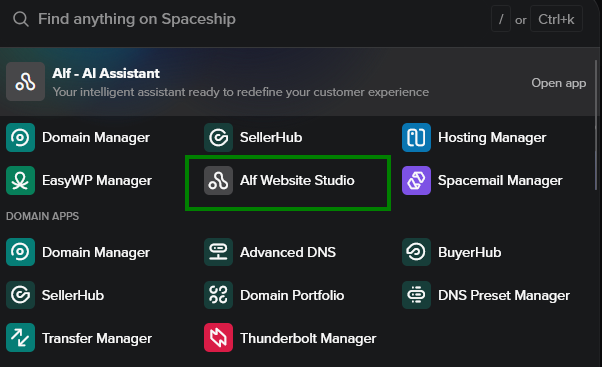
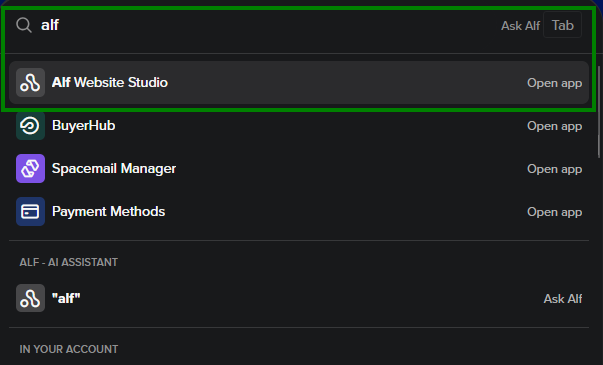
Această aplicație poate fi accesată din:
Launchpad:
Căutare globală:
Folosind acest link: https://www.spaceship.com/application/alf-website-studio/
Dacă aveți site-uri web create cu Alf, veți vedea cardurile de produs corespunzătoare asociate cu abonamentele. Acolo, puteți verifica diverse detalii despre site-ul web, cum ar fi data ultimei editări, data ultimei publicări și numele de domeniu asociat site-ului web:
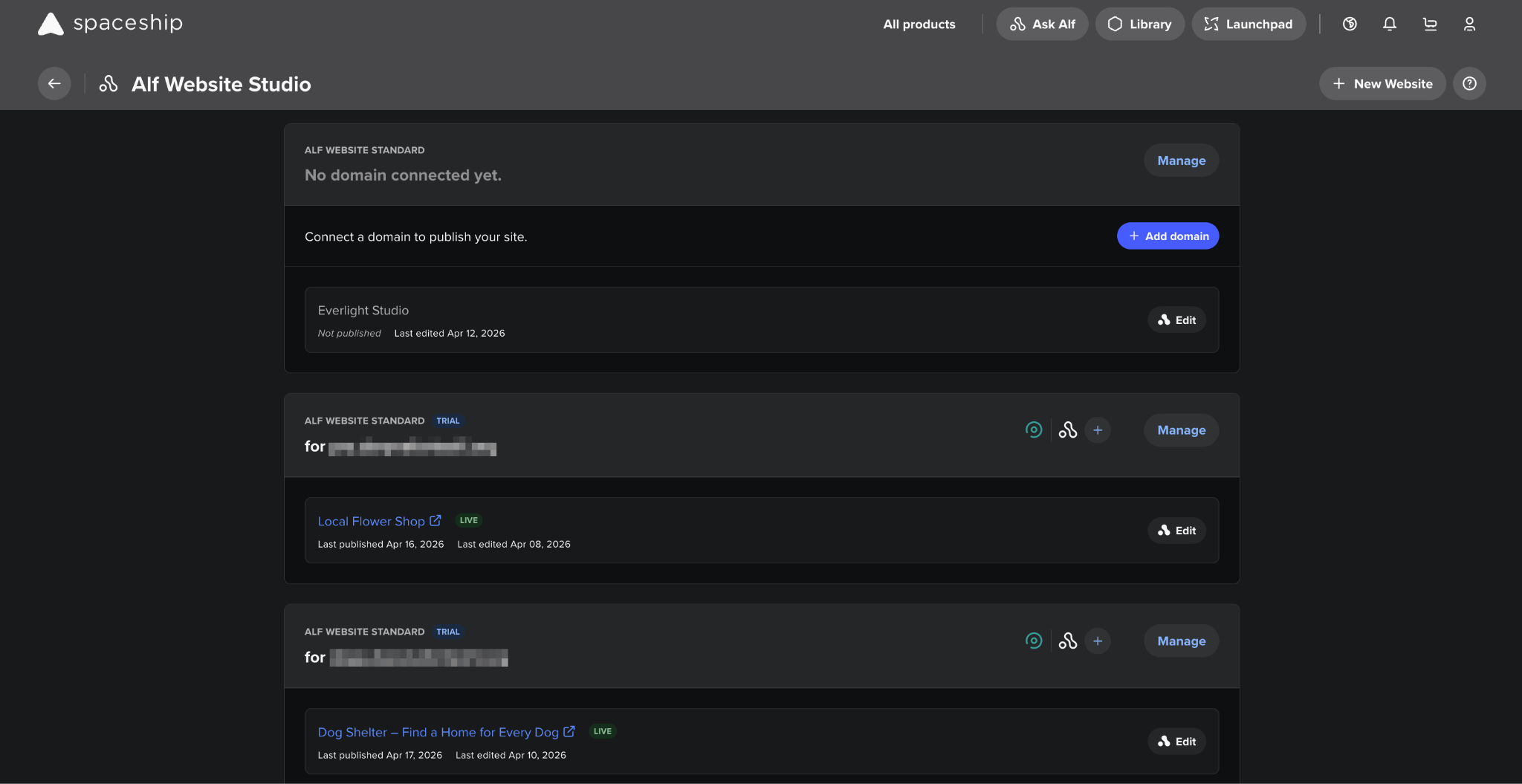
Este posibil să deschideți editorul Alf făcând clic pe butonul „Edit”:
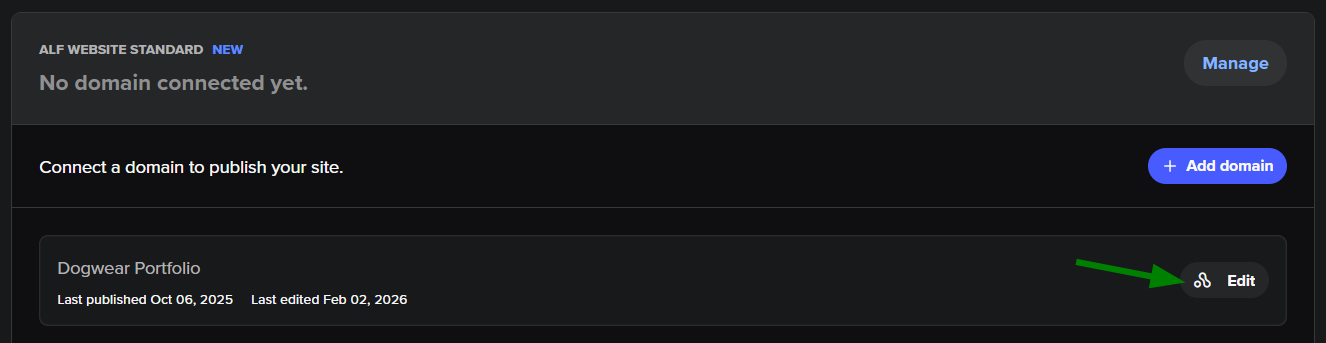
În acest caz, se deschide un chat cu un prompt predefinit:
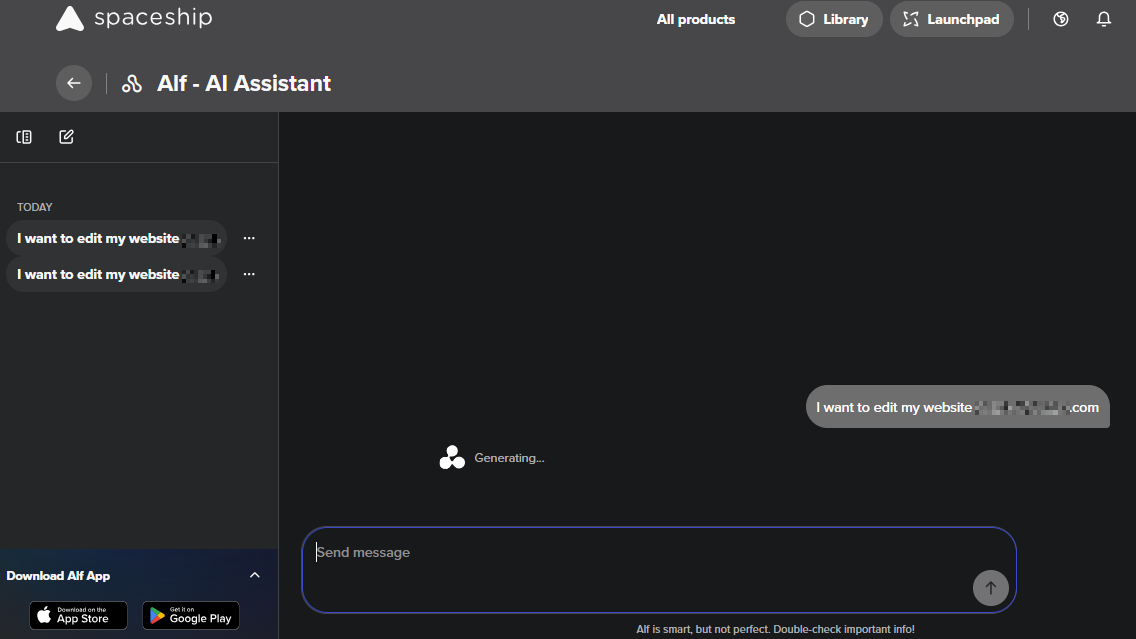
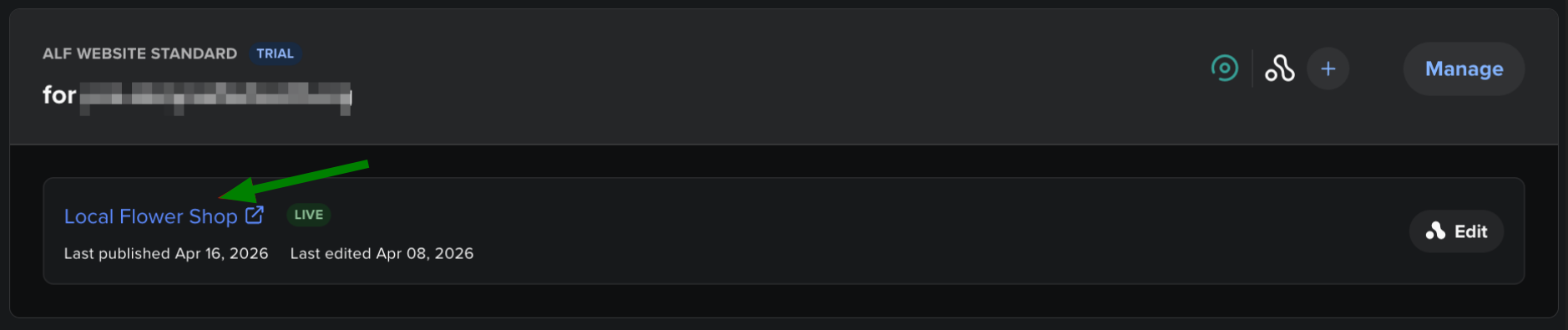
Odată ce site-ul web este conectat la un domeniu, este posibil să accesați site-ul web făcând clic pe numele site-ului web:
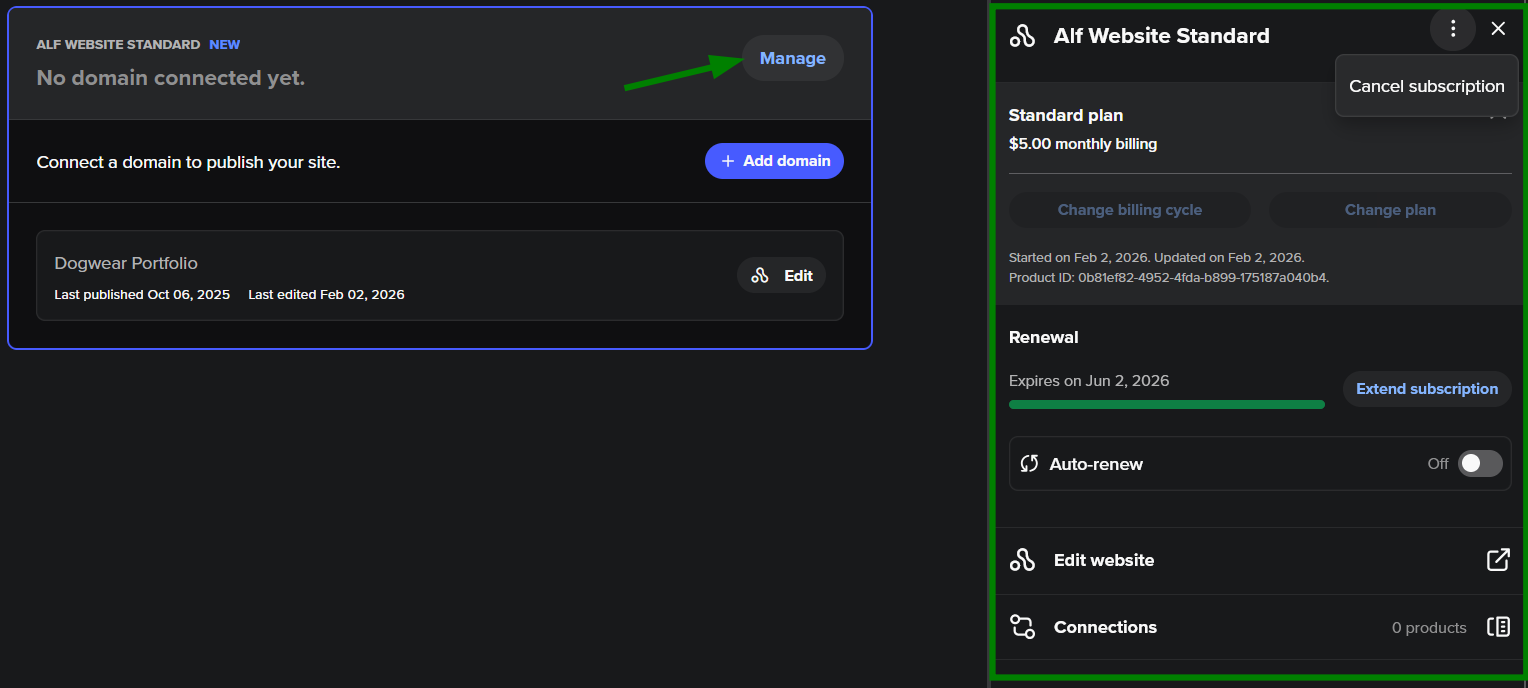
Făcând clic pe butonul „Manage” se deschide un panou lateral, unde este posibil să:
Anulați abonamentul (adică să ștergeți site-ul web asociat);
Reînnoiți abonamentul;
Configurați reînnoirea automată;
Editați site-ul web;
Creați o conexiune cu un nume de domeniu prin interfața utilizatorului (Unboxing) ca alternativă la a-i cere lui Alf în chat;
Gestionați conexiunile existente.
Promptare manuală
Vă sfătuim să inițiați editarea site-ului web revenind la chatul original în care a fost creat site-ul web și cerându-i lui Alf să îl actualizeze acolo. Totuși, este posibil și să editați site-uri web într-un chat nou. Pentru a face acest lucru:
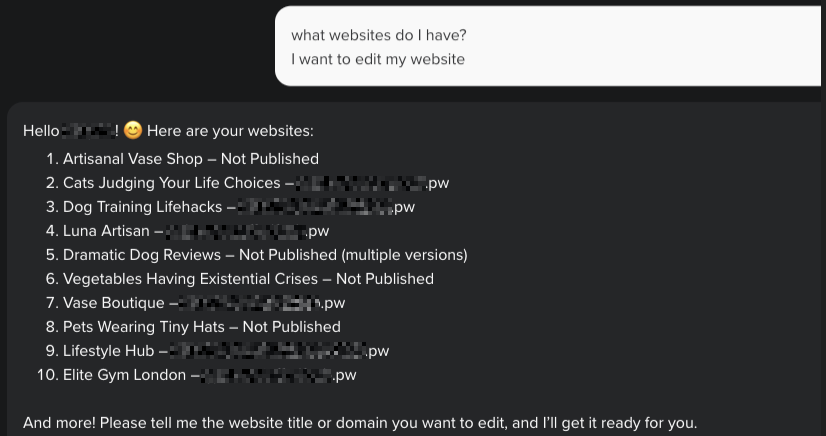
Cereți-i lui Alf să listeze site-urile web pe care le aveți și apoi alegeți-l pe cel pentru editare:
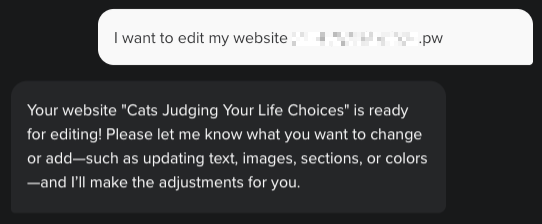
Introduceți domeniul asociat site-ului web publicat și cereți-i lui Alf să îl actualizeze:
După ce Alf a implementat noile dvs. modificări și sunteți mulțumit de rezultat, va trebui să îl republicați pentru ca modificările să intre în vigoare pe site-ul dvs. web.